Quotation
Request a quotation revision
Once the customer confirms the quotation, it can no longer be edited.
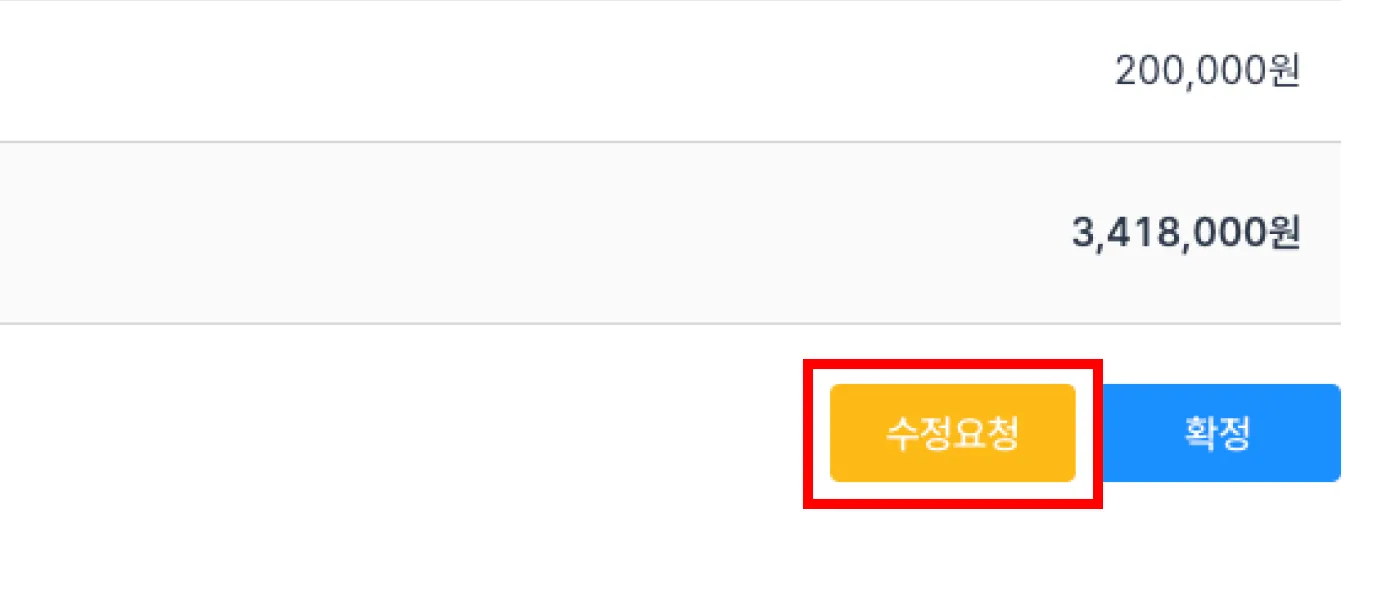
- A customer who received the quotation can click the [Edit] button to request a revision.
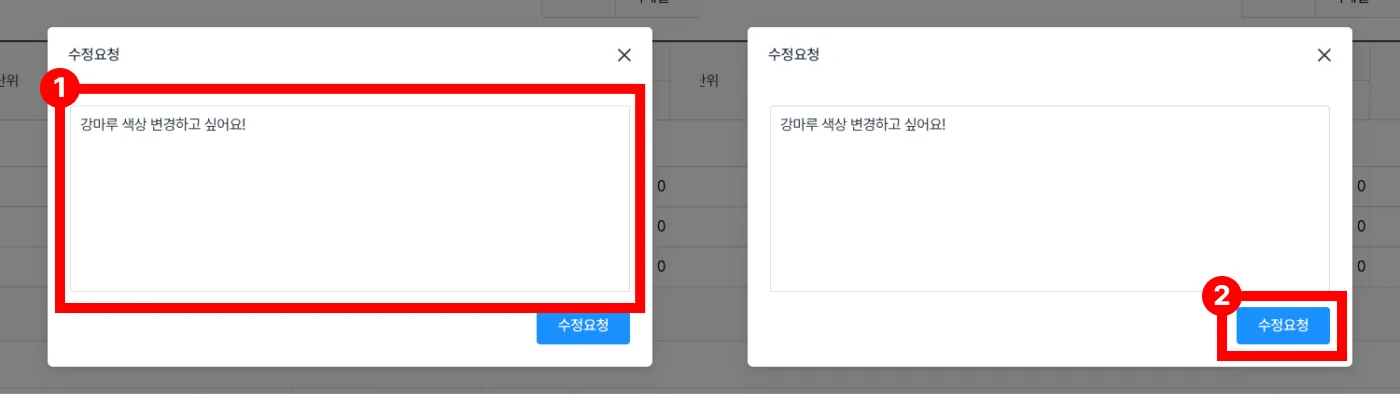
- Enter what needs to change in Revision details[Figure 1], then click the Request revision[Figure 2] button.
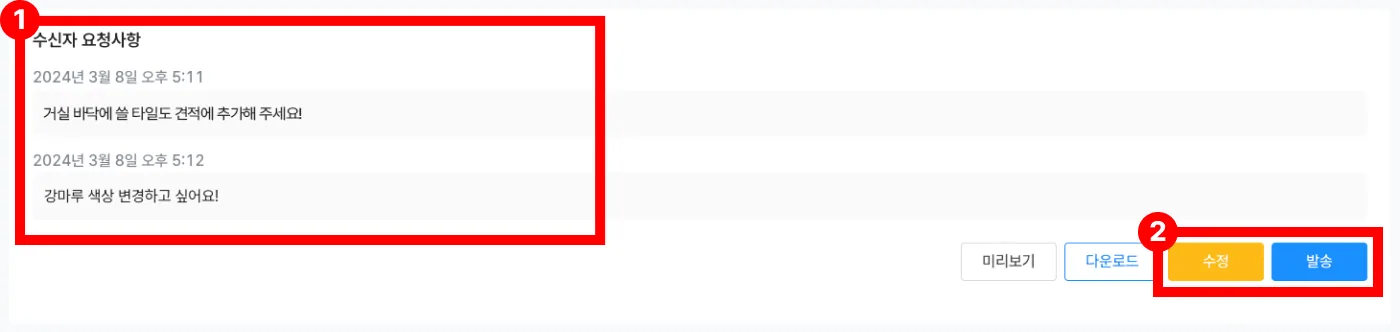
- Check the customer's request[Figure 1], then edit and resend[Figure 2] the quotation.