Quotation
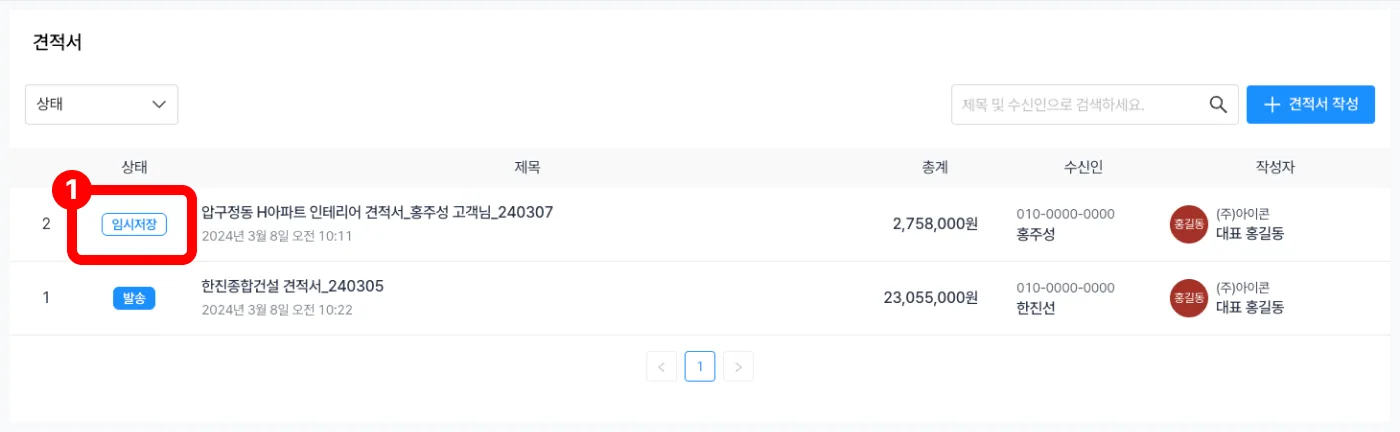
Draft
- A quotation saved as a draft is marked Draft, as in [Figure 1].
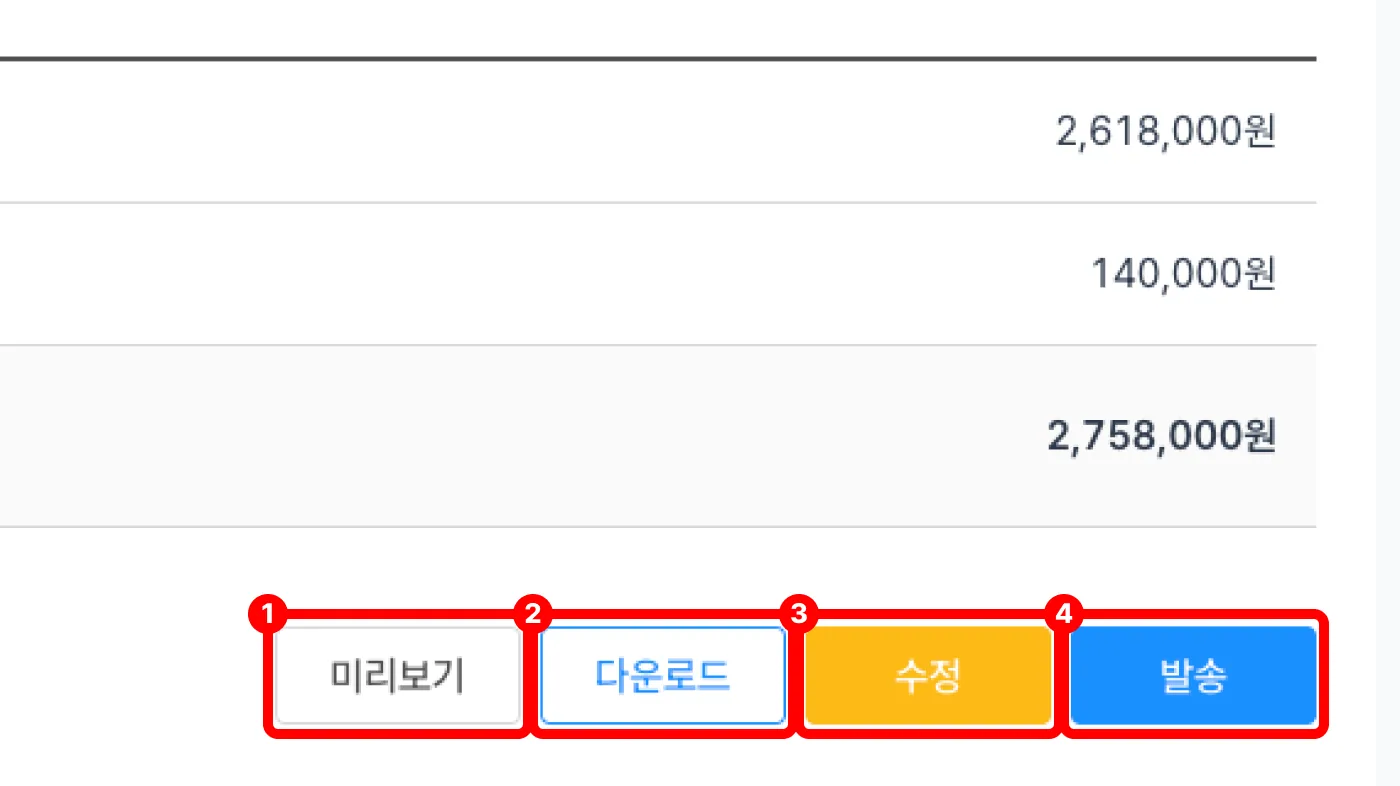
- While in draft, you can Preview[Figure 1], Download[Figure 2], Edit[Figure 3], and Send[Figure 4].
Preview: Preview the quotation that will be sent to the customer.
Download: Download the quotation you wrote as an Excel file.
Edit: Edit the quotation you wrote.
Send: Send the quotation you wrote to the customer's phone number or email.