Site Camera Equipment
Panoramic and continuous, critical work, and inspection. Each capture type uses different equipment.
Local government video record management policies define separate capture types. Each type needs a different field of view and mobility, so the equipment differs too.
| Capture type | What it records | Main equipment |
|---|---|---|
| Panoramic · Continuous | The whole site, continuously | Fixed CCTV |
| Critical work | Important work sections as they happen | Mobile CCTV |
| Inspection | Close-up details within arm's reach | Body cam · Head cam · Ear cam |
Installed cameras
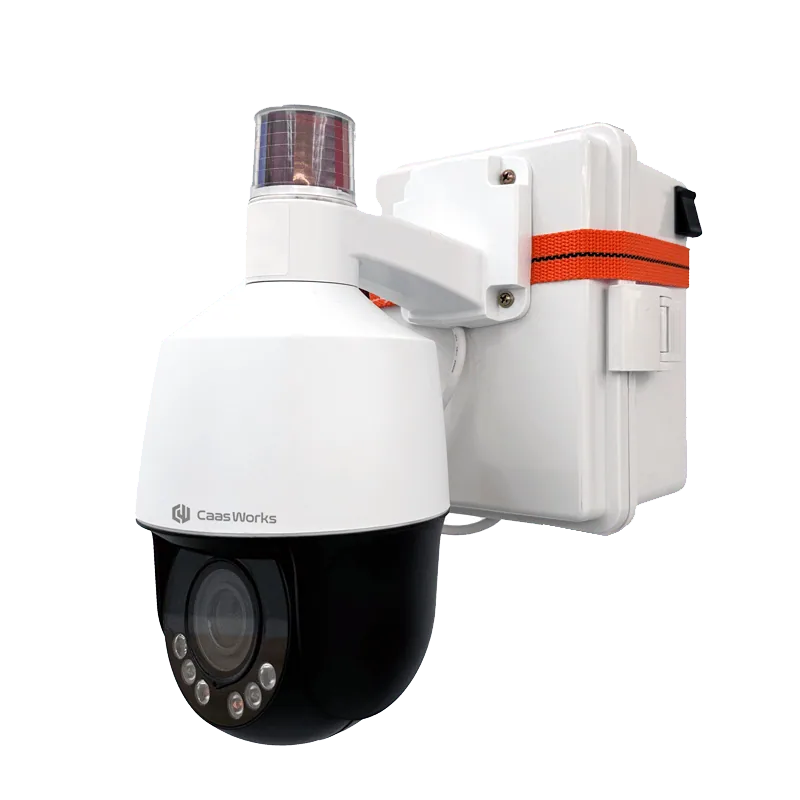
Fixed CCTV
A fixed PTZ-type CCTV that installs quickly over wireless communication and transmits video reliably.
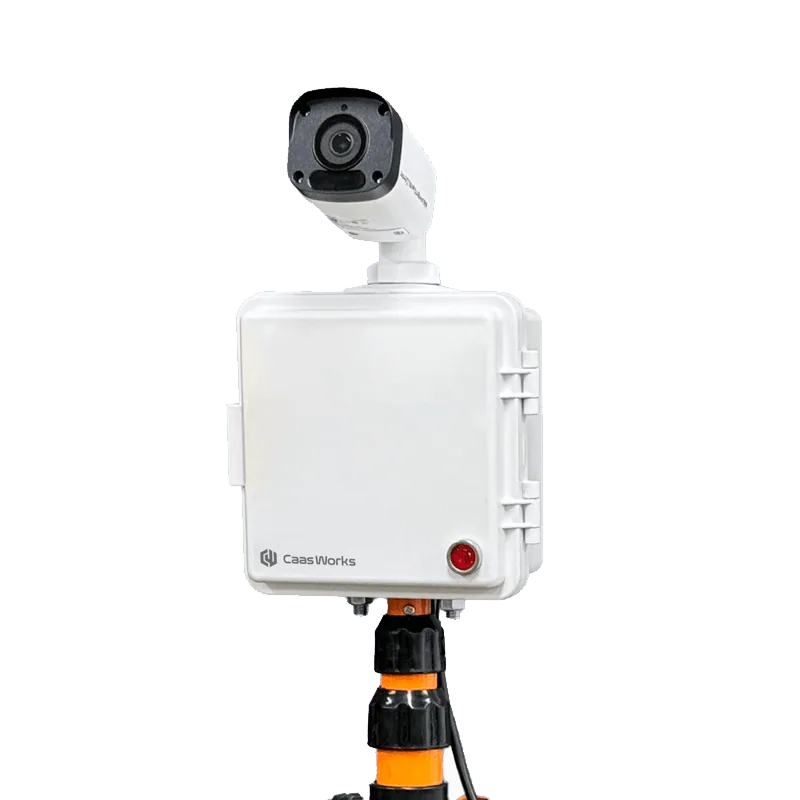
Mobile CCTV
A mobile Bullet-type CCTV that runs on battery and wireless communication, so it is easy to move and install.
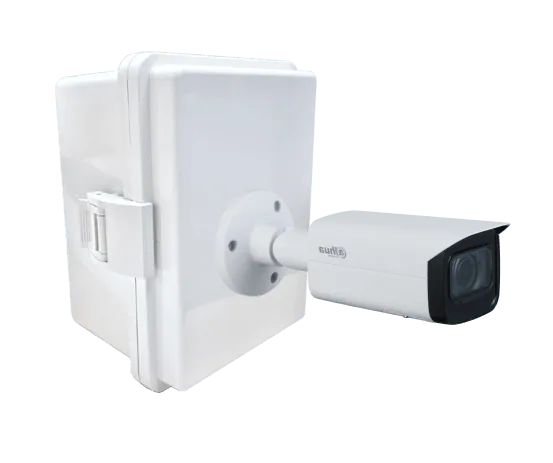
4K CCTV
A 4K CCTV that installs quickly over wireless communication and transmits ultra-high-definition video that captures fine detail.
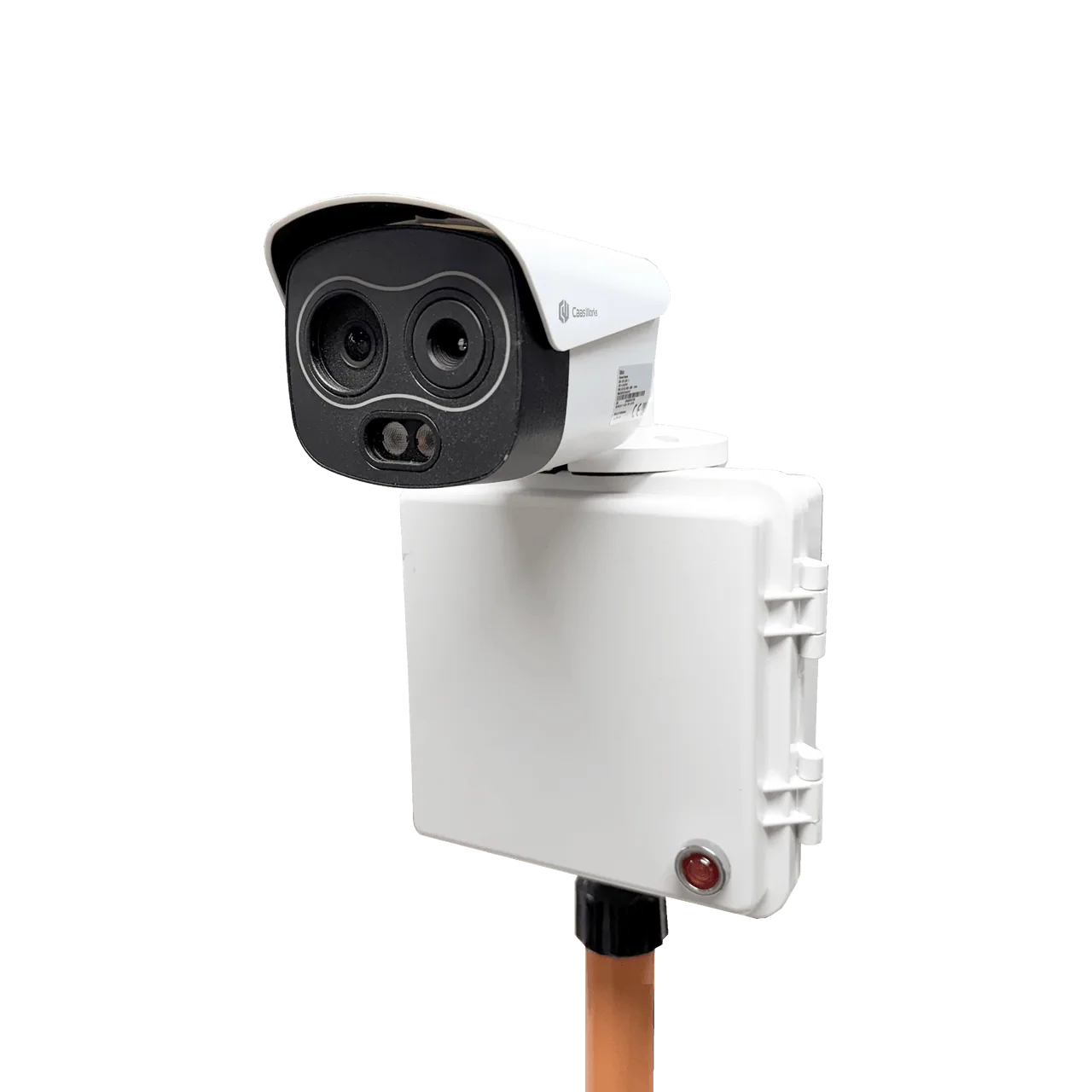
Thermal CCTV
A thermal CCTV that alerts managers in an emergency for a fast and accurate response.
Fixed CCTV
A fixed PTZ-type CCTV that installs quickly over wireless communication and transmits video reliably.

Optimized for video record management
A fixed CCTV optimized for the video record management policies of local governments nationwide.
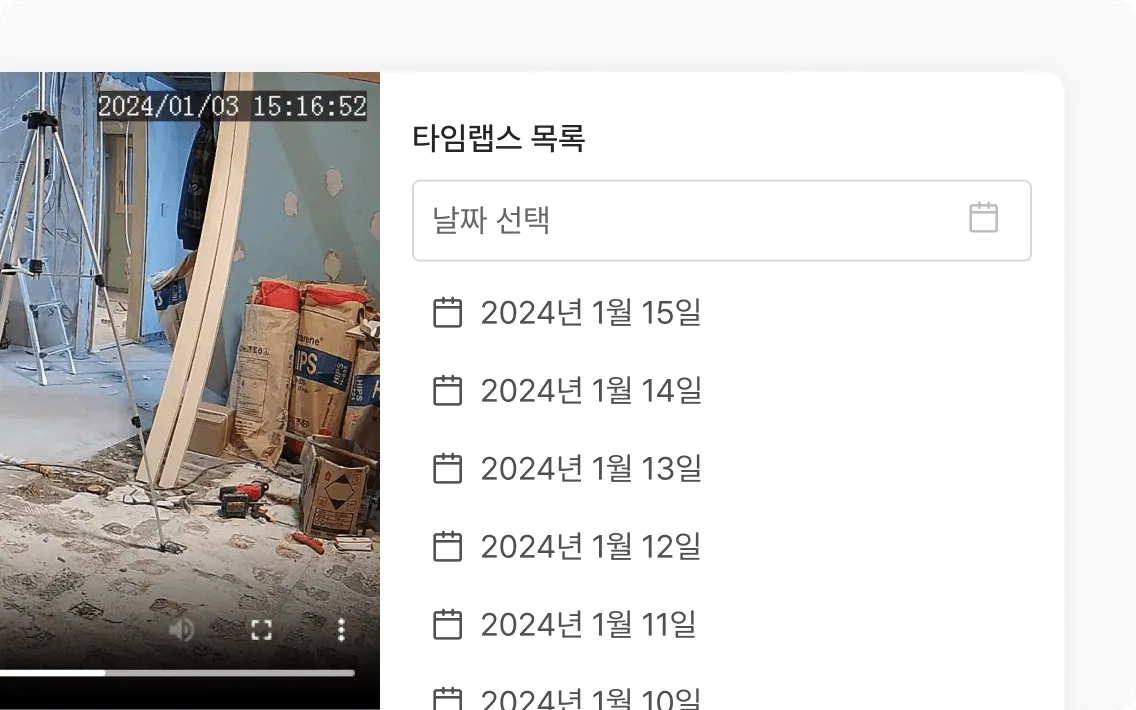
Automatic timelapse creation
Recorded video is summarized automatically every day so you can see the flow of work at a glance.
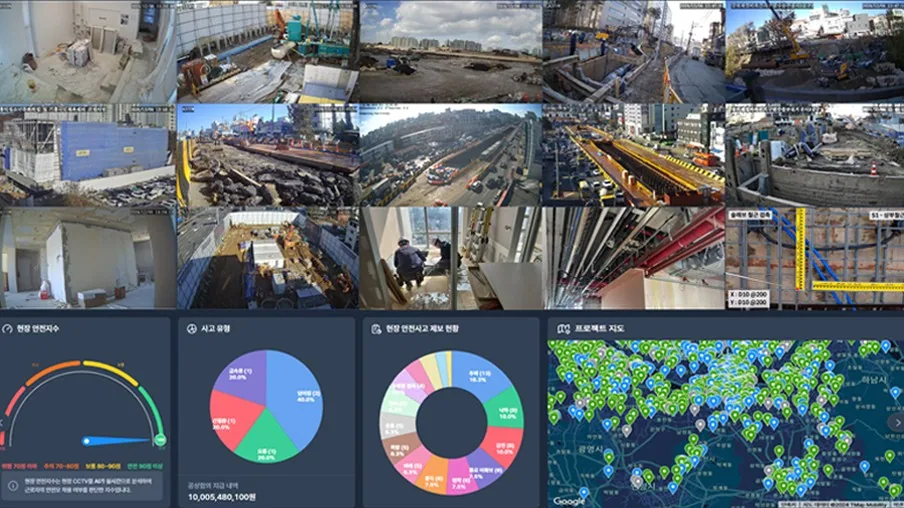
Real-time site monitoring
Check conditions at every site with CCTV installed through real-time video.
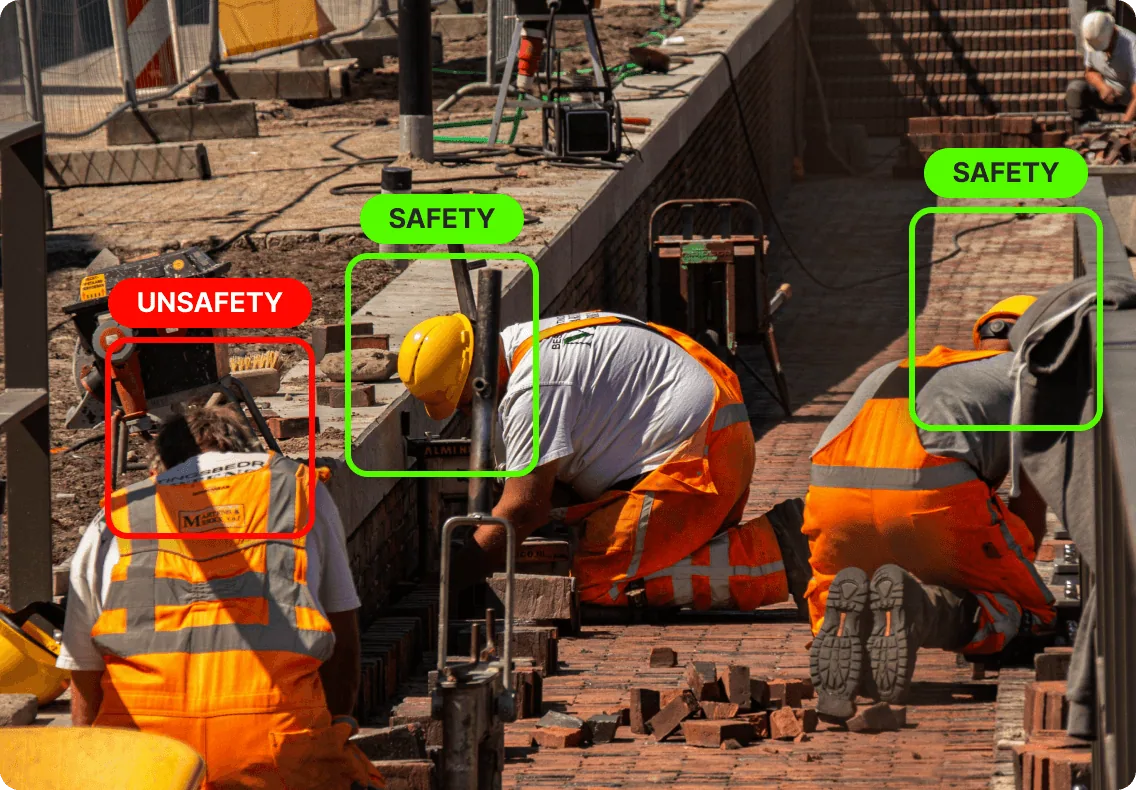
AI analysis solution integration
Detects whether workers are wearing hard hats and sends an alert to managers immediately.
Mobile CCTV
A mobile Bullet-type CCTV that runs on battery and wireless communication, so it is easy to move and install.
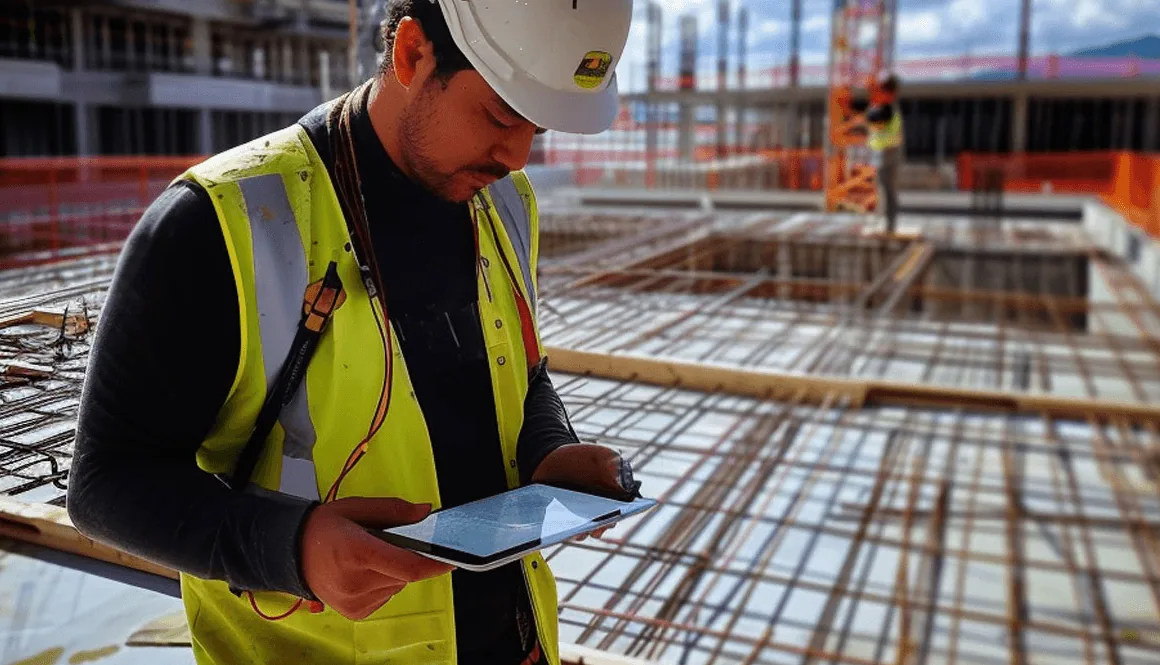
Digital transformation of construction sites
Check and manage site conditions with live video anytime, anywhere.
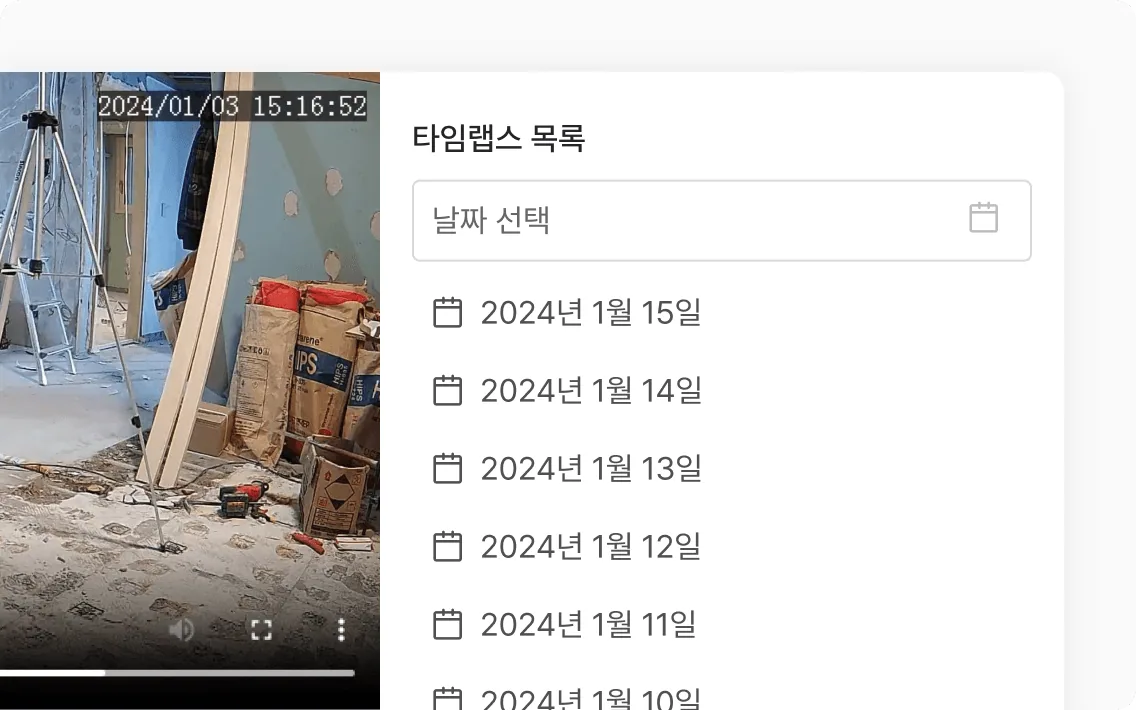
Automatic timelapse creation
Recorded video is summarized automatically every day so you can see the flow of work at a glance.
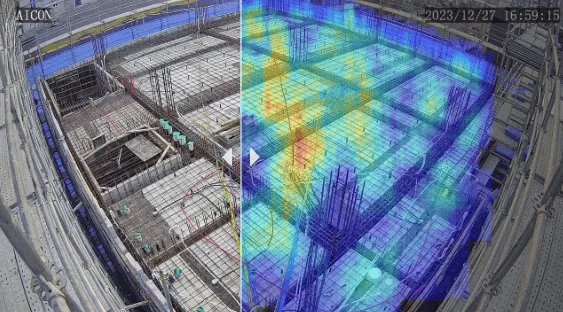
Before and after comparison
Compare before and after work with a slider, and the AI tracks worker movement and shows it as a heat map.
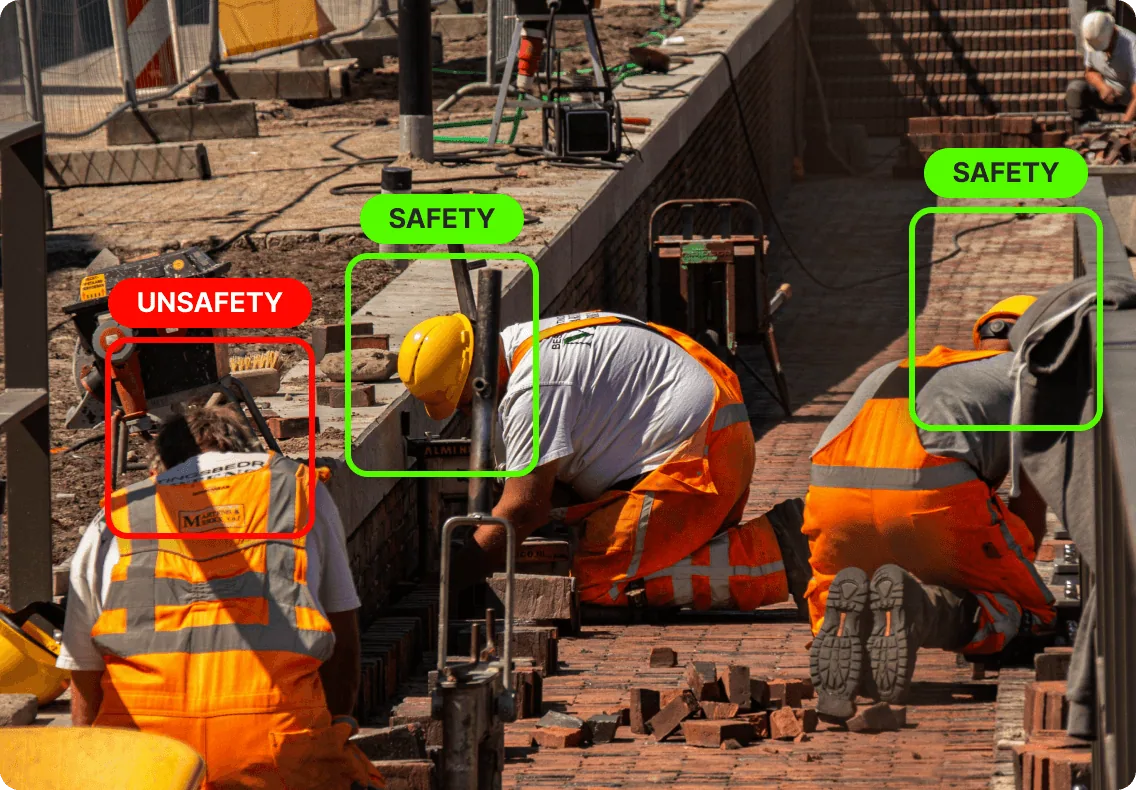
AI analysis solution integration
Detects whether workers are wearing hard hats and sends an alert to managers immediately.
4K CCTV
A 4K CCTV that installs quickly over wireless communication and transmits ultra-high-definition video that captures fine detail.
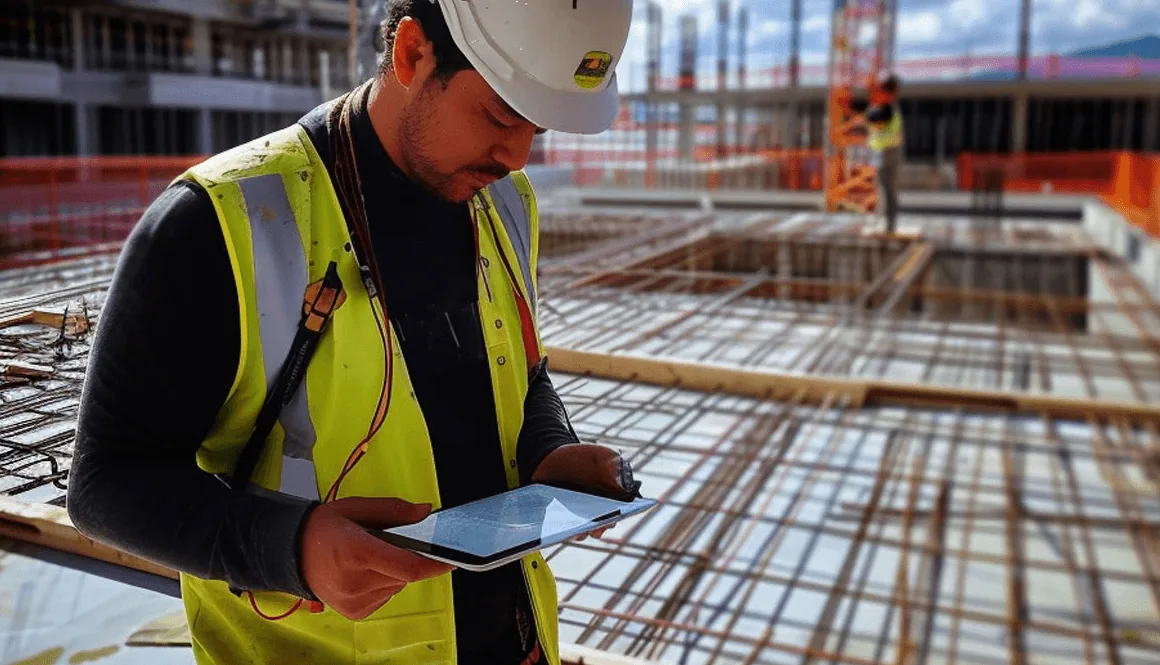
Digital transformation of construction sites
Check and manage site conditions with live video anytime, anywhere.
Automatic timelapse creation
Recorded video is summarized automatically every day so you can see the flow of work at a glance.
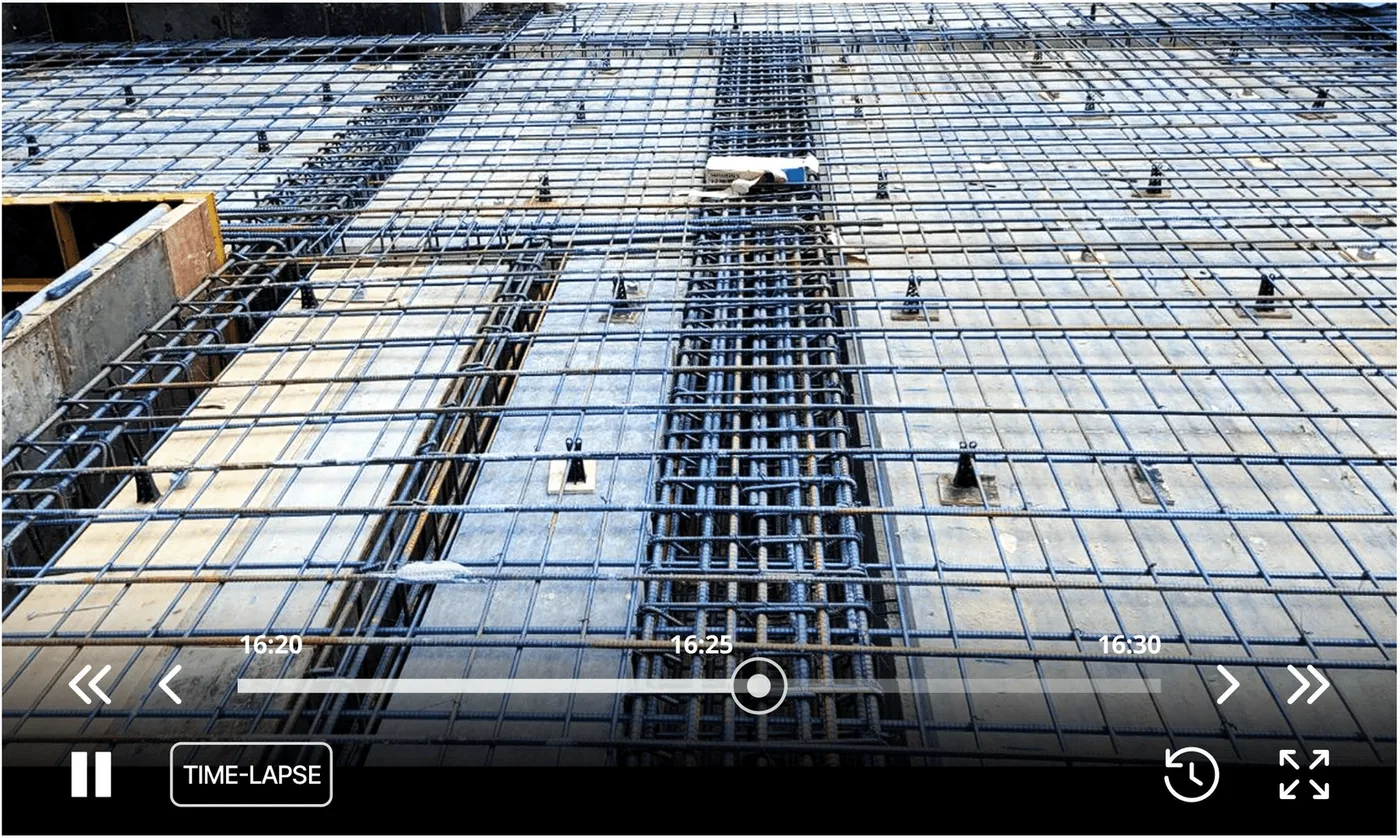
Full-term timelapse production
The entire construction process is produced as one timelapse for the record, and it can also be used for promotion.
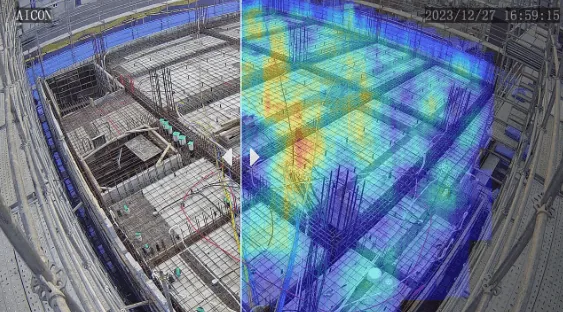
Before and after comparison
Compare before and after work with a slider, and the AI tracks worker movement and shows it as a heat map.
Thermal CCTV
A thermal CCTV that alerts managers in an emergency for a fast and accurate response.
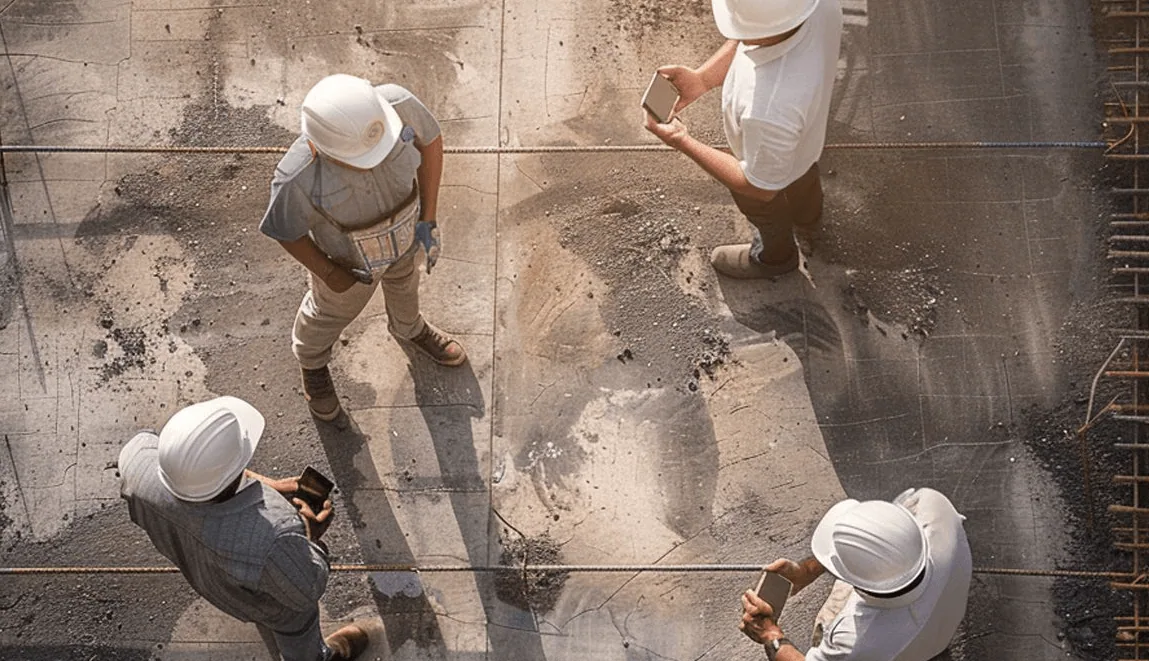
24-hour site monitoring
Check and respond to the site in real time, anytime, anywhere.
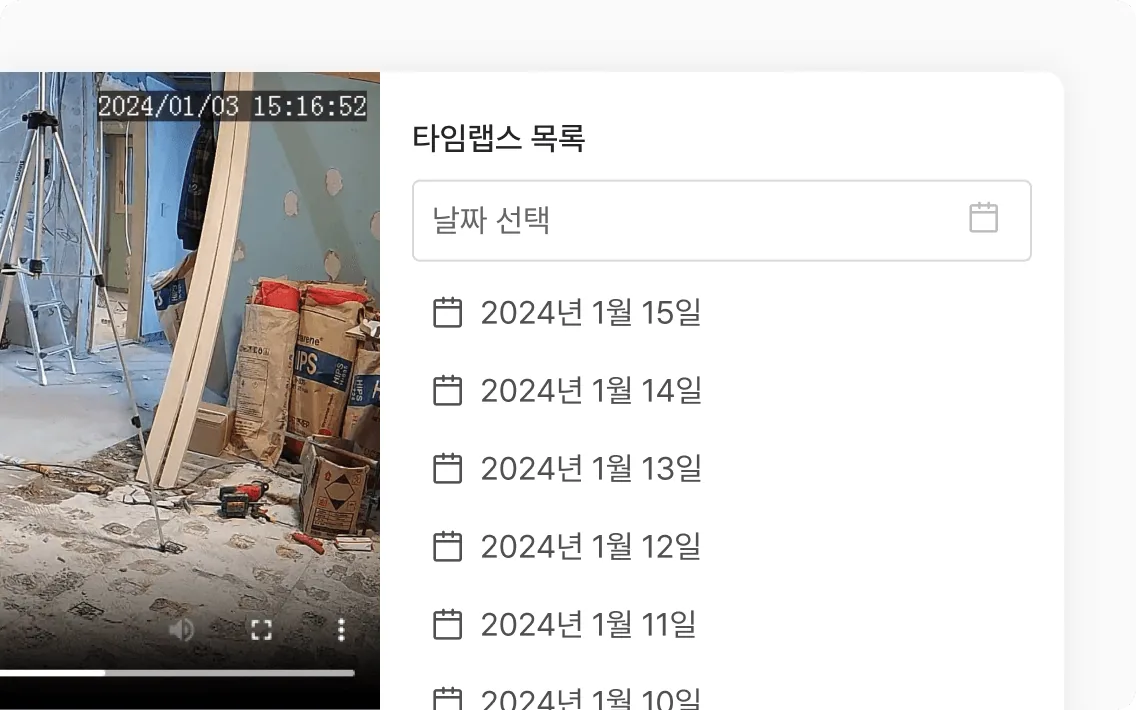
Automatic timelapse creation
Standard and thermal video are each summarized automatically every day so you can see the flow of work and temperature changes at a glance.
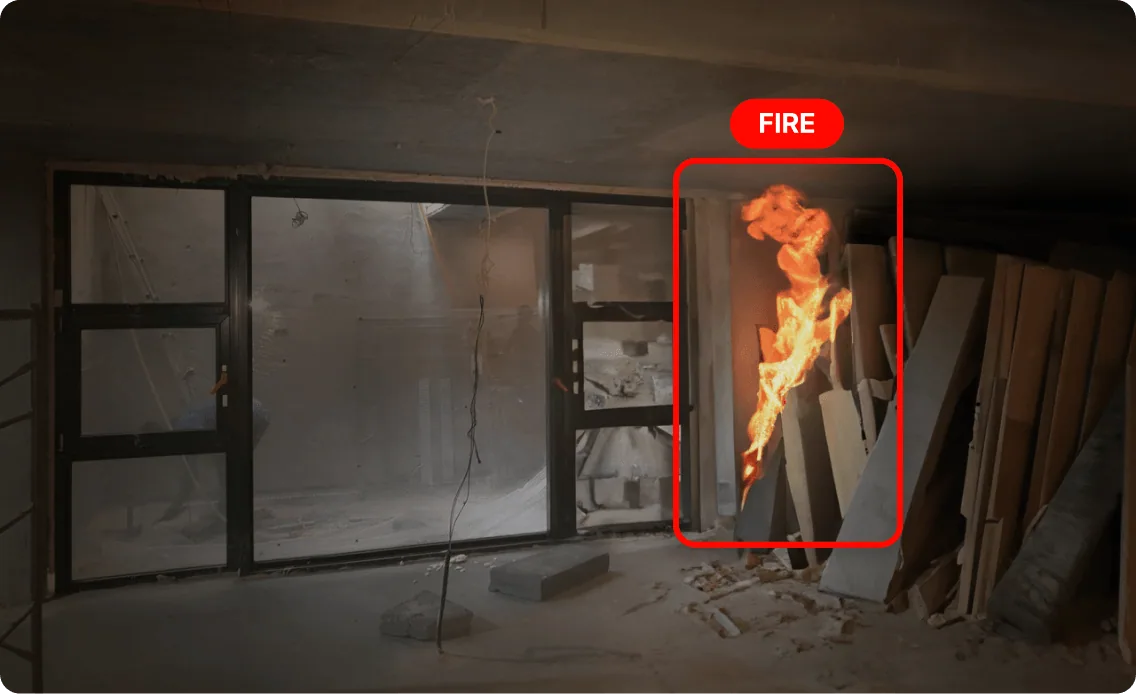
AI analysis solution integration
Detects abnormal temperatures in real time and alerts managers, supporting accident-free site management.
Wearable cameras
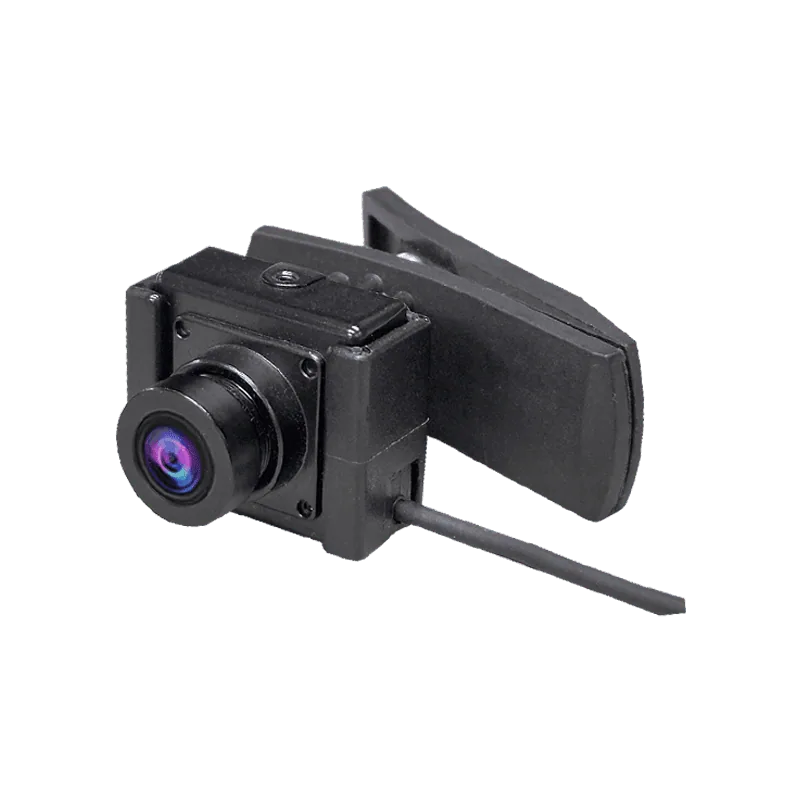
Body cam
Convenient USB-C connection and integration with a dedicated app support smart recording and management.
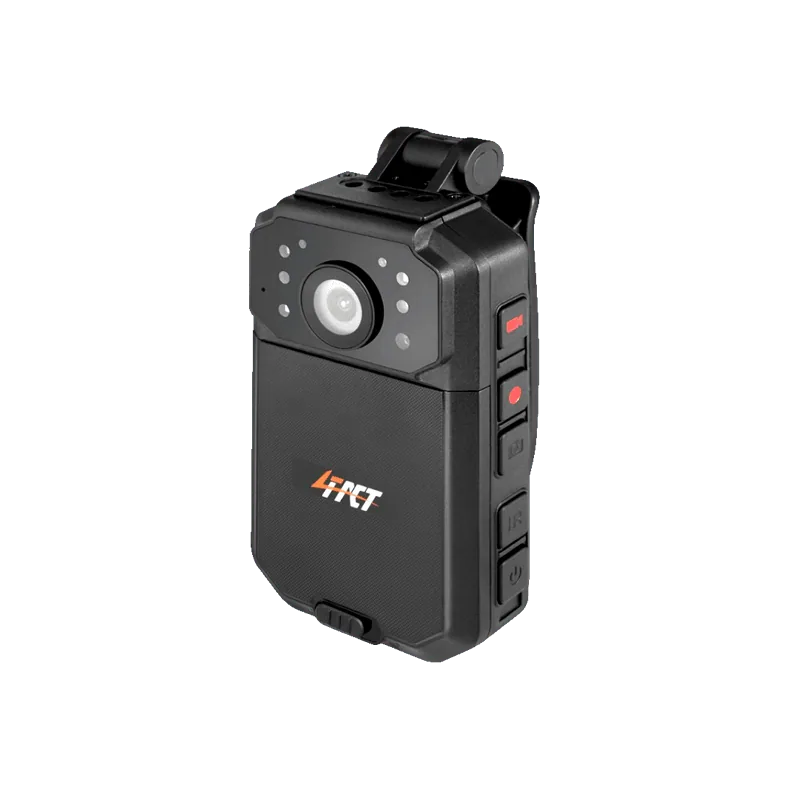
Body cam (Fourfact)
Integrates with a real-time video monitoring system to support smart recording and management.
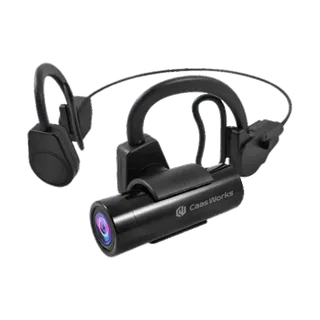
Head cam
Convenient USB-C connection and integration with a dedicated app support smart recording and management.
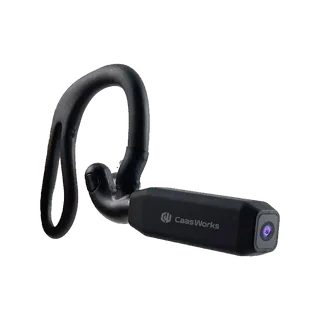
Ear cam
Convenient USB-C connection and integration with a dedicated app support smart recording and management.
Body cam
Convenient USB-C connection and integration with a dedicated app support smart recording and management.
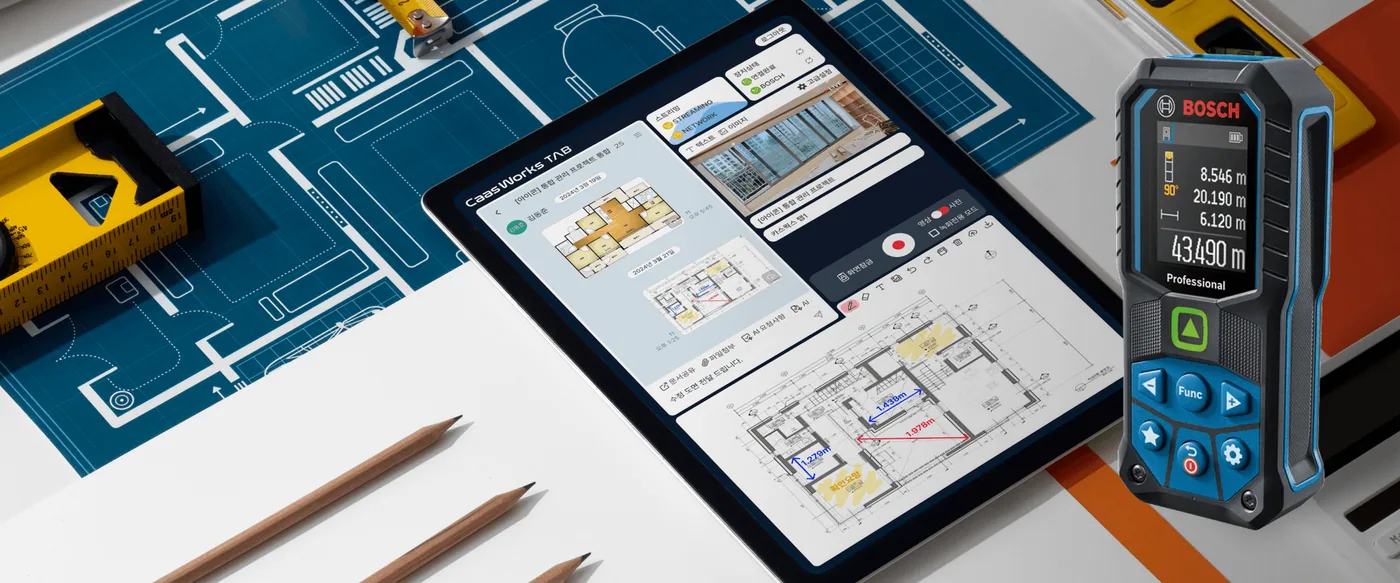
Detailed site records
Ultra-light and ultra-compact, it is easy to wear and records the details of construction in video and photos.
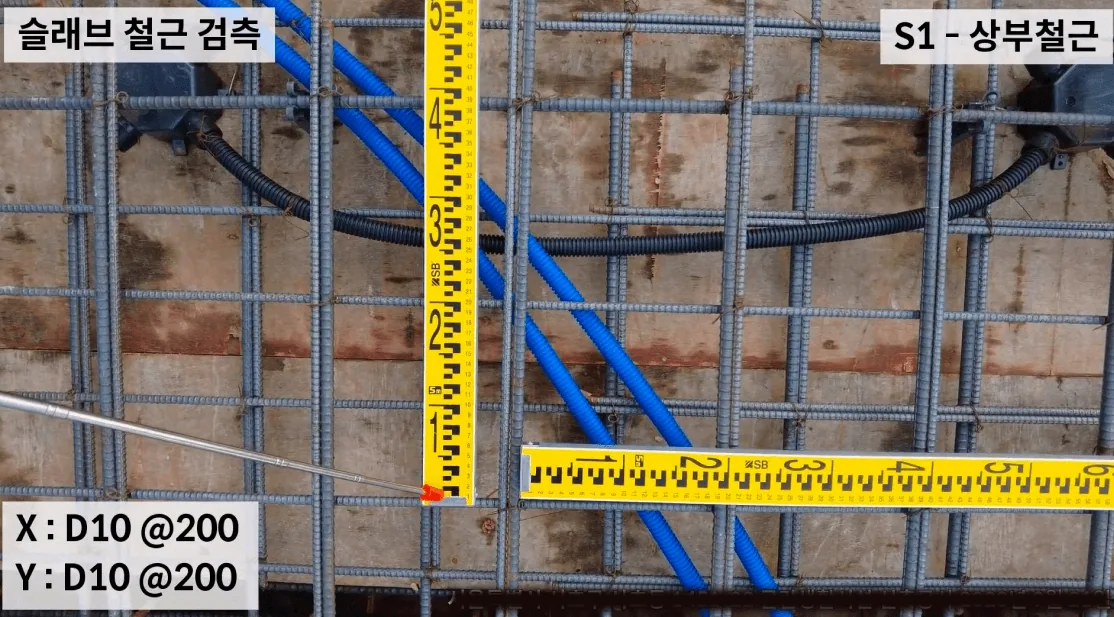
Video layout settings
It provides a layout made for inspection recording under video record management, so no separate video editing is needed.
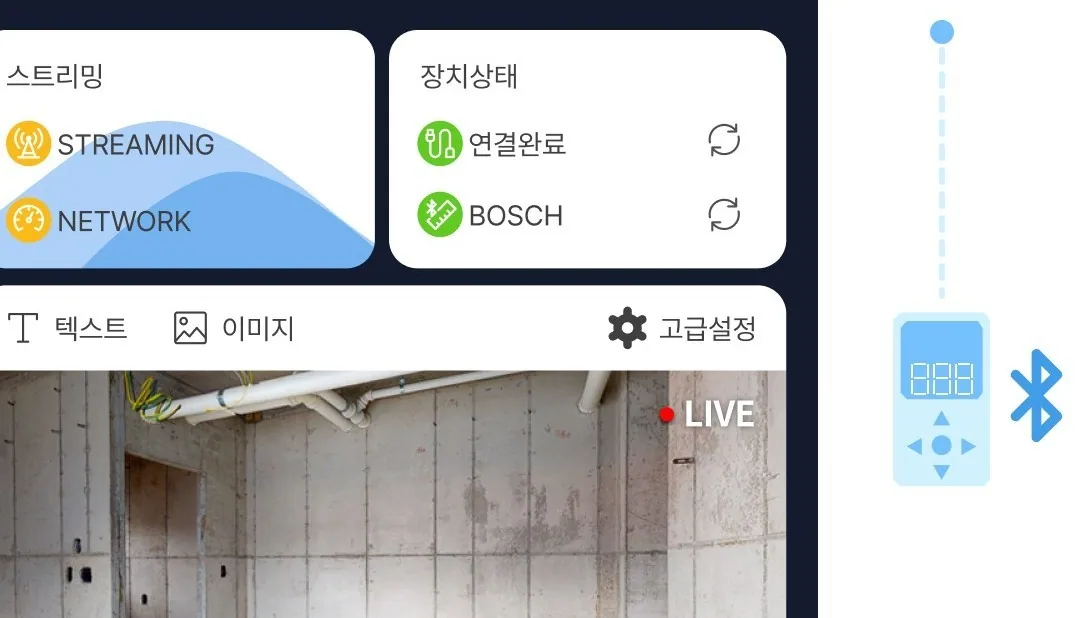
AI recognition in the dedicated app
It has an 'automatic rebar count' feature and recognizes finger gestures, so you can start and stop recording without touching the controls.
How to wear
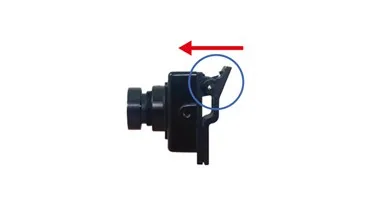
Step 1
It attaches with a clip: press the lever to fix it where you want.
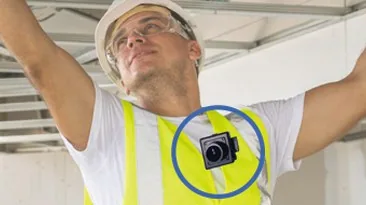
Step 2
Wear the camera where you want as shown (a vest or harness is recommended).
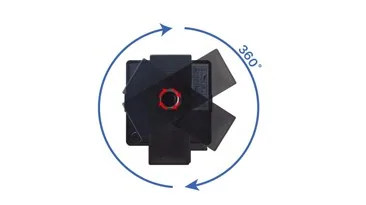
Step 3
Rotate the camera as shown so the video comes out upright.
Fourfact body cam
Integrates with a real-time video monitoring system to support smart recording and management.

Detailed site records
It is easy to wear on a safety vest and records the details of construction on video.
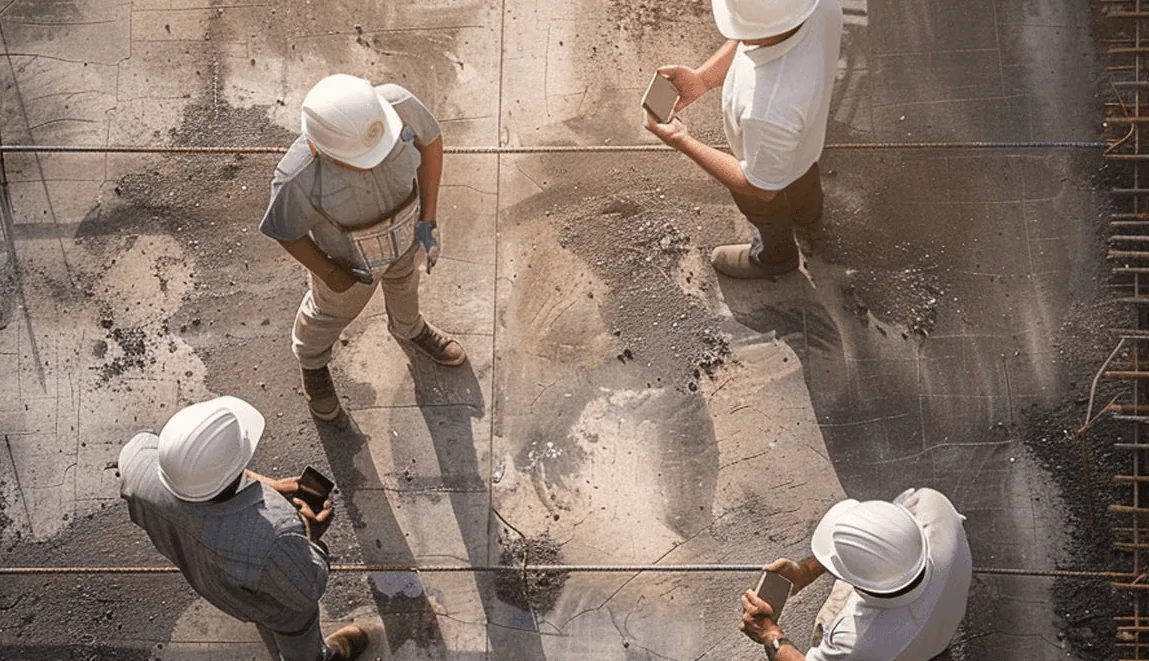
Remote site inspection
With live video streaming, stakeholders can share progress and give feedback efficiently anytime, anywhere.
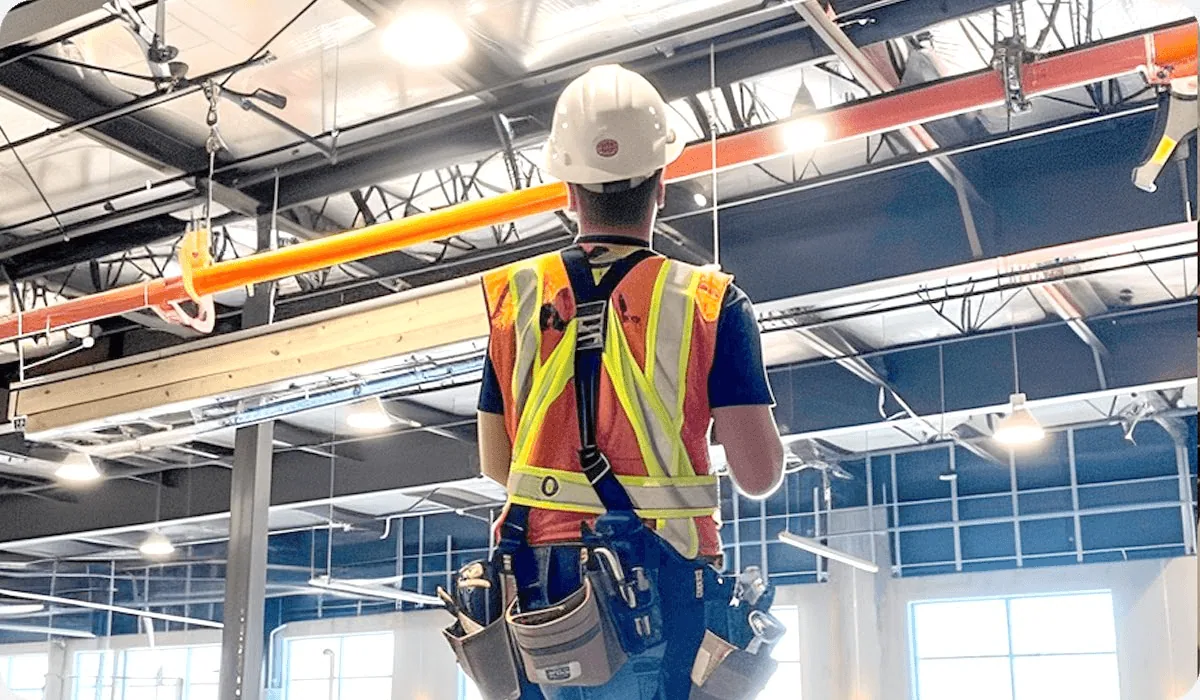
Evidence for safety management
Recorded video is saved automatically and sorted by date, so it can serve as evidence when a safety issue occurs.
How to wear
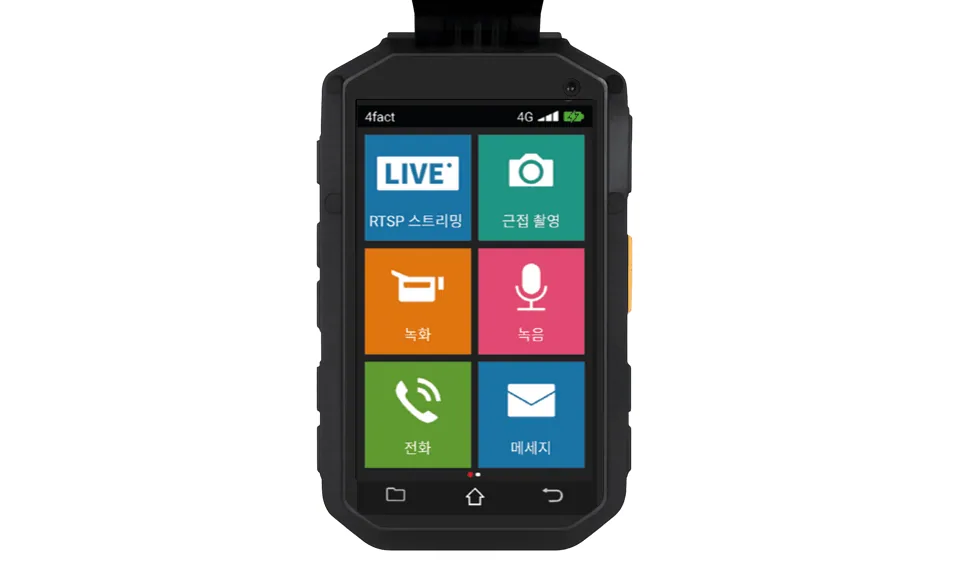
Step 1
Press the power button on the side and open the function menu you need.
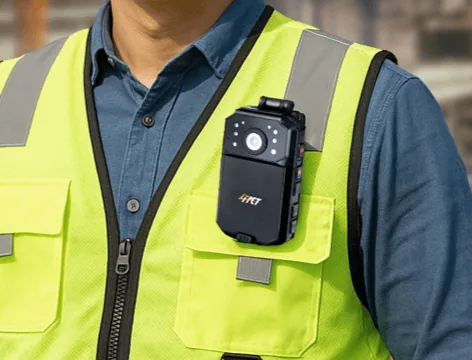
Step 2
Press the lever of the clip on the body to fix it to your safety vest.
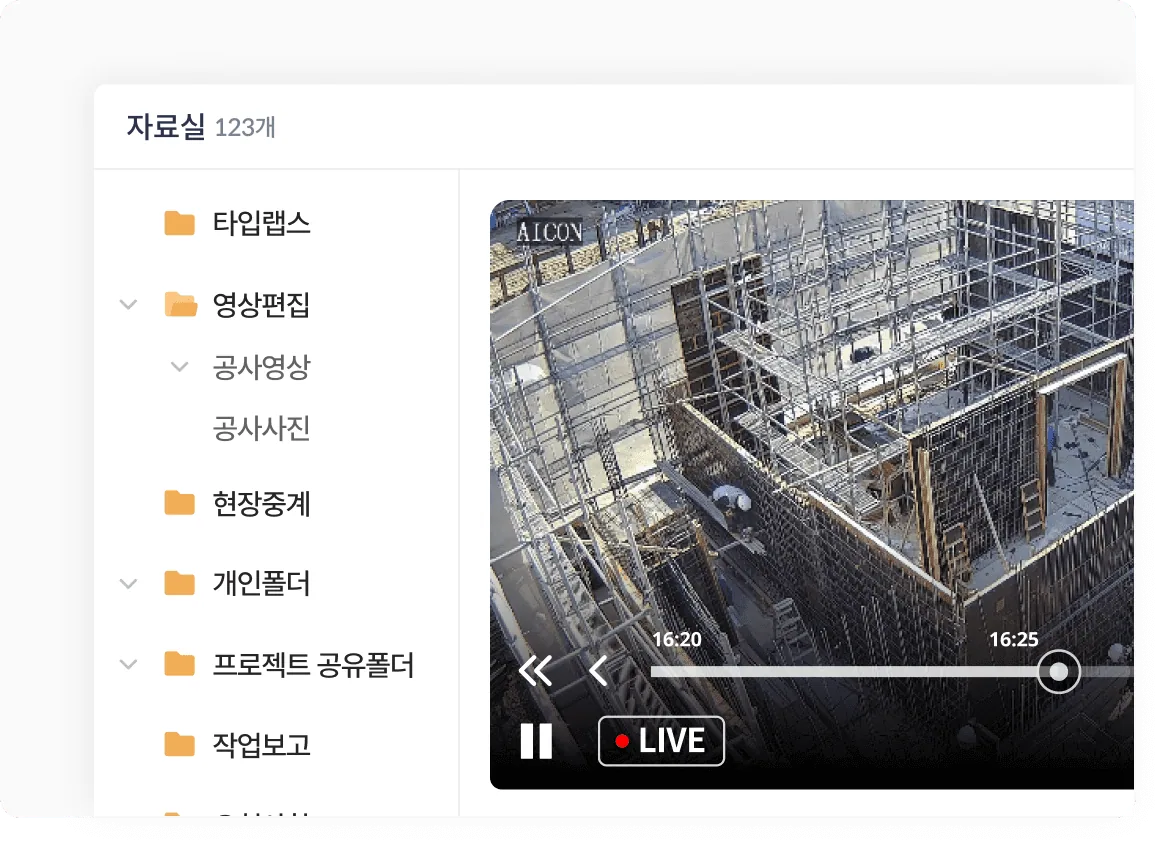
Step 3
You can download recorded video from the Repository folder on the CaasWorks server.
Head cam
Convenient USB-C connection and integration with a dedicated app support smart recording and management.
Detailed site records
Ultra-light and ultra-compact, it is easy to wear and records the details of construction in video and photos.
Video layout settings
It provides a layout made for inspection recording under video record management, so no separate video editing is needed.
AI recognition in the dedicated app
It has an 'automatic rebar count' feature and recognizes finger gestures, so you can start and stop recording without touching the controls.
How to wear
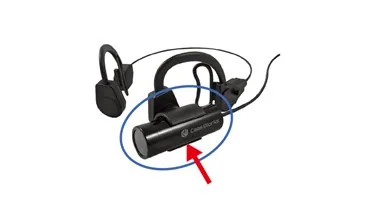
Step 1
Attach the camera to the mount as shown.
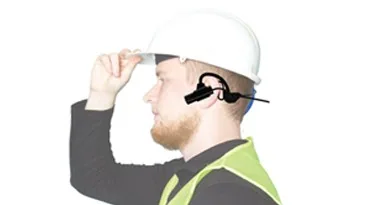
Step 2
Hook the camera over your ear as shown.
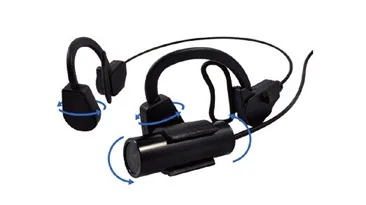
Step 3
Adjust it to a comfortable angle as shown.
Ear cam
Convenient USB-C connection and integration with a dedicated app support smart recording and management.
Detailed site records
Ultra-light and ultra-compact, it is easy to wear and records the details of construction in video and photos.
Video layout settings
It provides a layout made for inspection recording under video record management, so no separate video editing is needed.
AI recognition in the dedicated app
It has an 'automatic rebar count' feature and recognizes finger gestures, so you can start and stop recording without touching the controls.
How to wear
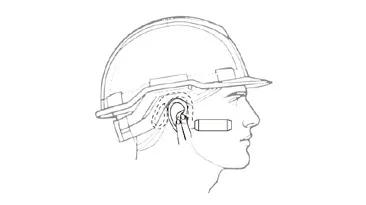
Step 1
Wear the camera on your ear as shown.
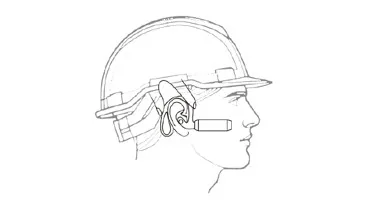
Step 2
Adjust the camera to fit your ear as shown.
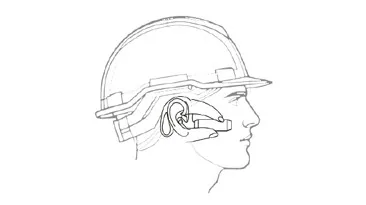
Step 3
Adjust the camera angle so it is level as shown.