Assign and remove employees
Last updated: 2026.11.9
You can assign your company's employees to a project or remove them from it. Do this in the project Settings > Members.
Only the project owner and an admin of the same company can remove other employees from a project.
What is an admin in CaasWorks? (User permissions) ➡️
Assign employees to a project
Click All menus on the left of the top menu bar, then click Members in the Settings category.
You can also open the same screen with the View members icon at the top right of the project screen.
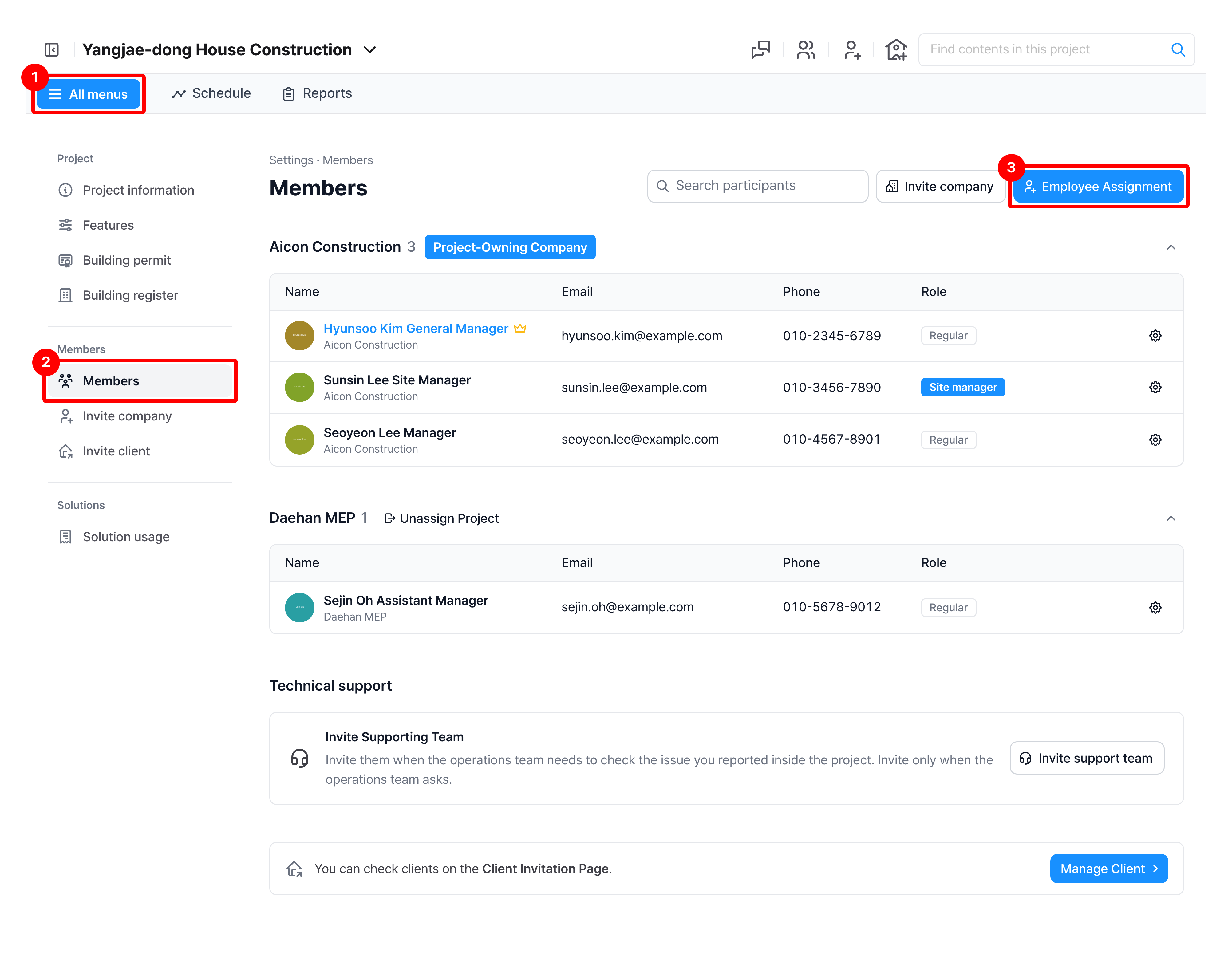
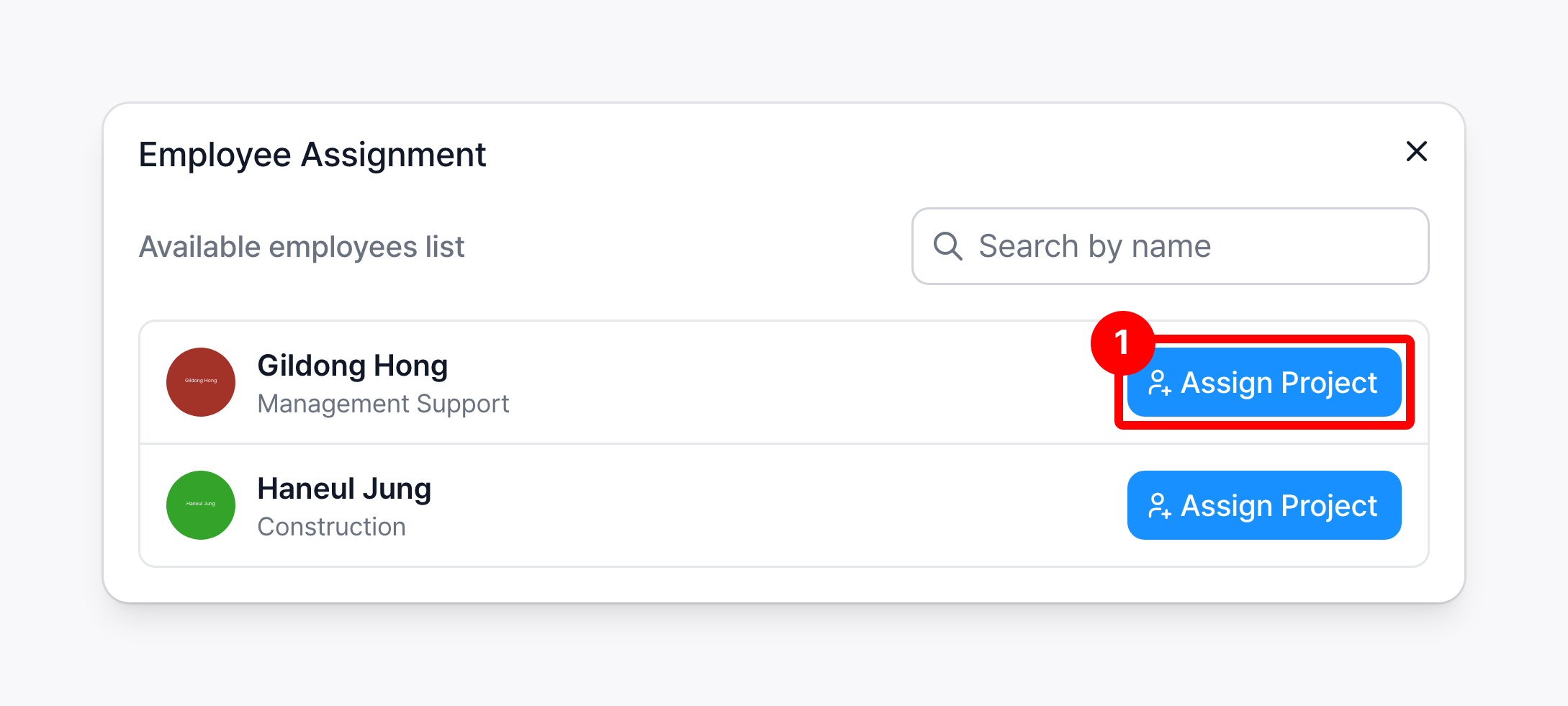
Click Employee Assignment, then click Assign Project for each employee you want to assign.
Only employees of your company who are not yet assigned to this project are listed. You can search by name.
Remove employees from a project
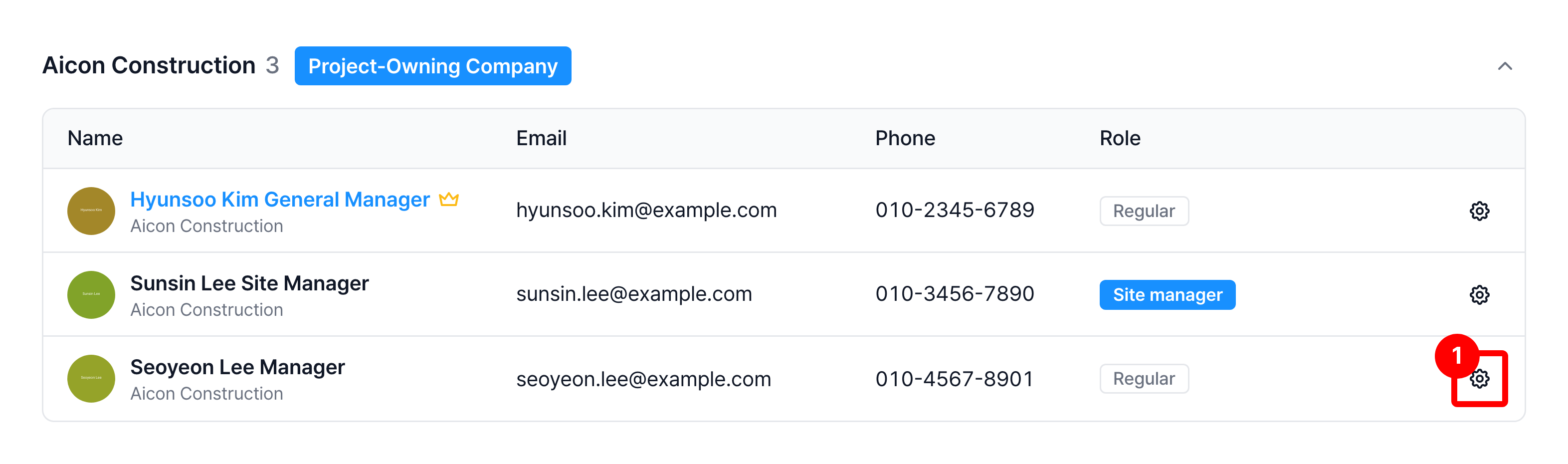
In Members, click the Role settings icon at the end of the employee's row. You can also click the row.
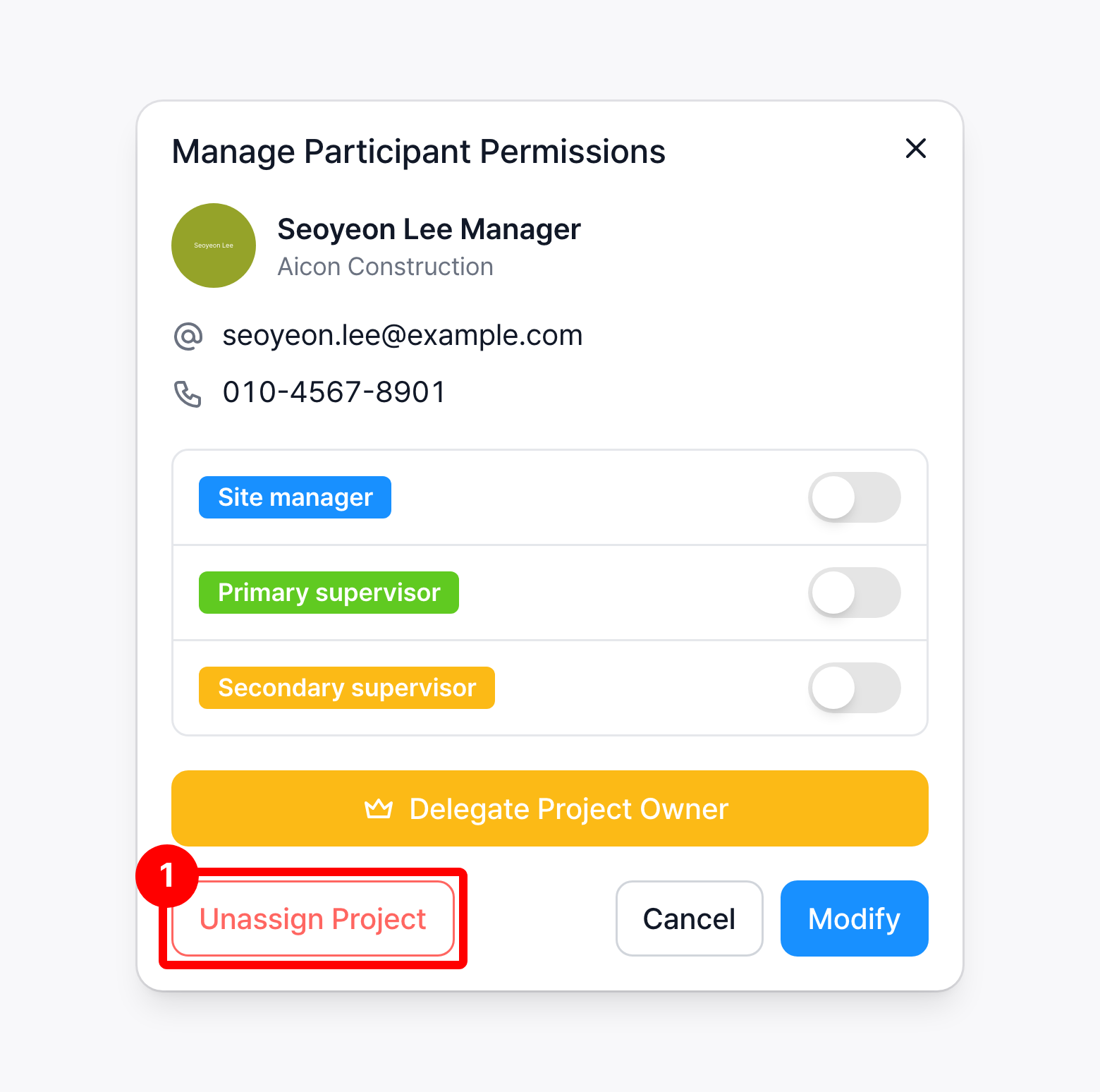
In the Manage Participant Permissions window, click Unassign Project, then click Unassign in the confirmation.
You can assign a removed employee again through employee assignment.