Smart Safety Helmet
A smart helmet that keeps the site safe with helmet-off detection, SOS emergency calls, and real-time location tracking.
The helmet a worker wears has a sensor inside. It periodically reports whether it is being worn and whether the SOS button was pressed.
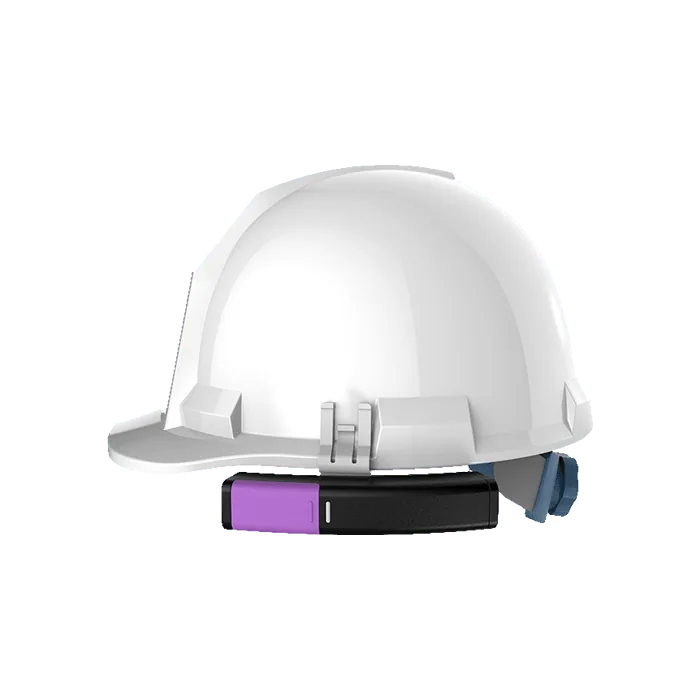
How it is used

Automated wearing checks
During working hours, the wear sensor detects when the helmet is off and the built-in speaker immediately prompts the worker by voice to put it on.
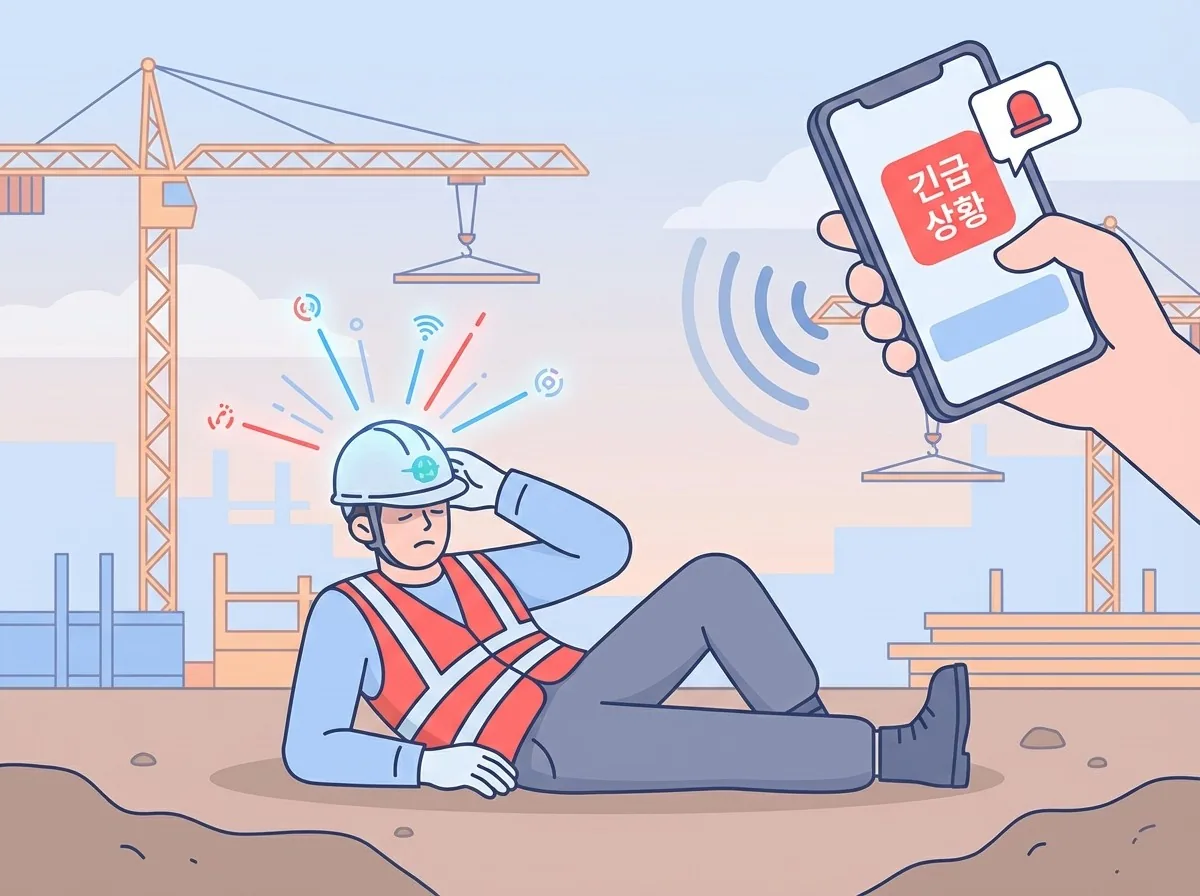
Immediate emergency response
In an emergency such as a fall, pressing the SOS button on the side immediately sends the worker's location and situation to managers.
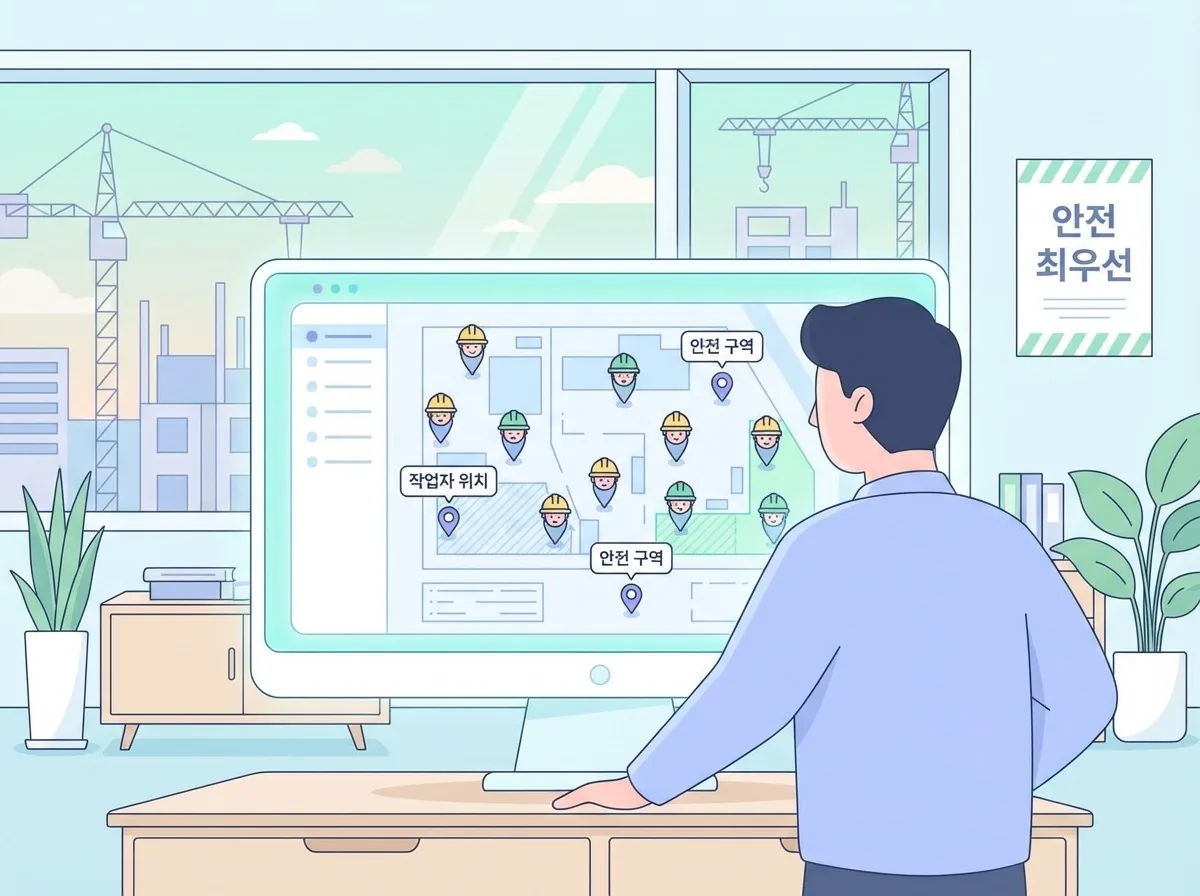
Real-time worker management
See the location of workers on site in real time and check them at a glance on the platform for efficient site management.
What it shows
| Value | Meaning |
|---|---|
| Worn | Whether it is being worn now |
| SOS signal | Whether the worker asked for help |
| Motion | Whether it is moving |
| Battery | Remaining power |
Danger criteria
Only two states count as danger.
| State | Level | Meaning |
|---|---|---|
| SOS Signal | Danger | The worker asked for help directly. Check immediately |
| Not Worn | Critical | The helmet is not being worn |
Motion is not danger
The screen also shows a value called Motion Detected, but it indicates whether the device is moving, not an impact. It is not used to judge danger. Motion does not mean an accident happened, and no motion does not mean the worker is safe.
Screen
It uses the common screen layout as is, with a few helmet-specific additions.
Dashboard summary
All Devices / Motion Detected / SOS Signal / Not Worn
Device details
- Safety Chart: Summarizes the wearing rate, activity rate, and SOS count, and graphs how wearing and activity states changed over time
- Event Log: Shown 50 entries at a time. Each entry has a Normal / SOS / Not Worn tag
Statistics tab
- Safety anomaly rate
- Anomaly distribution (ratio of SOS to Not Worn)
- Event trend
- Distribution by day of week and time of day
If Not Worn clusters at a particular time, it is a cue to review what work is done then. If workers often take the helmet off when it is hot, you can also compare it with the thermometer records.
When you receive an SOS
- Check the device's location on the map
- Contact that area
- Look at the values before and after in the event log (for example, whether motion stopped)
FAQ
Can I tell who is wearing a helmet? There is no feature to link a person to a device. Write it in the alias or memo instead.
Not Worn keeps appearing It is also detected during breaks or while in the office. It is better to filter out Not Worn for those hours in Statistics.
Detail images
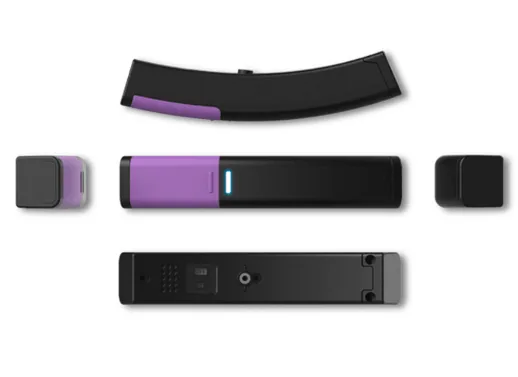
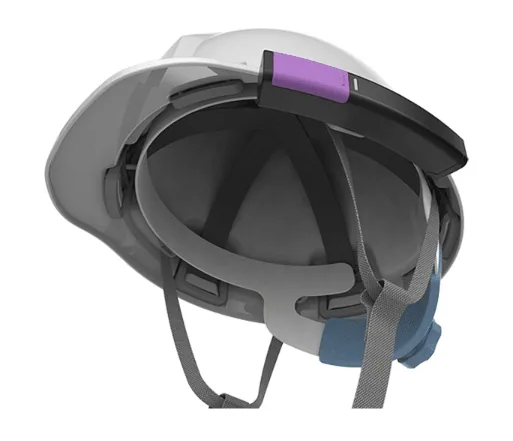
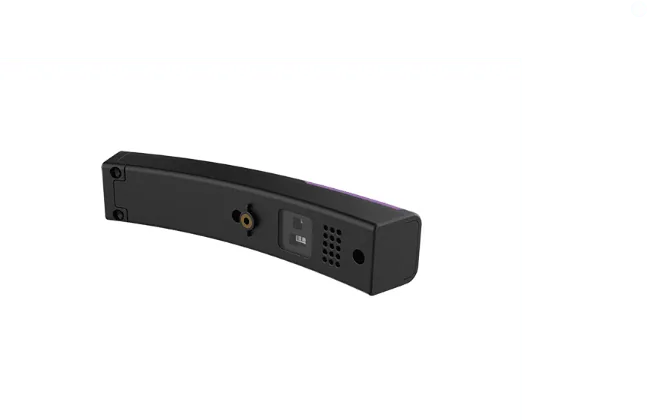
Specifications
| Size | 120(W) * 23(D) * 21(H) mm |
|---|---|
| Weight | 67g |
| Wireless | MH1000B : BLE5.0 / MH1000BS : BLE5.0 + SUB1G |
| Built-in sensor | Helmet wear sensor |
| I/O Interface | 1-Push Button(SOS), Status LED(Red/White), buzzer, speaker (voice guidance) |
| Power | Lithium battery CR17450 (3V, 2,400mAh) |
| Certification | KC certification, Specific Absorption Rate (SAR) certification, Public Procurement Innovative Product certification, Pilot Purchase Product certification |
| Package | Helmet module (main unit), bracket (with fastening screws), user manual |
| Data interval | 2 min 30 s / immediately when an event occurs |
| Notifications | Immediate notification on rescue request (SOS button) |