Smart Safety Equipment
Eight safety devices placed on site or worn by workers, with what each one measures and when it reports danger.
Smart safety equipment is a set of safety devices placed on site or worn by workers. Each device measures its own state and sends it in, and CaasWorks shows it on a map and in a list and sends notifications when there is danger.
Available devices
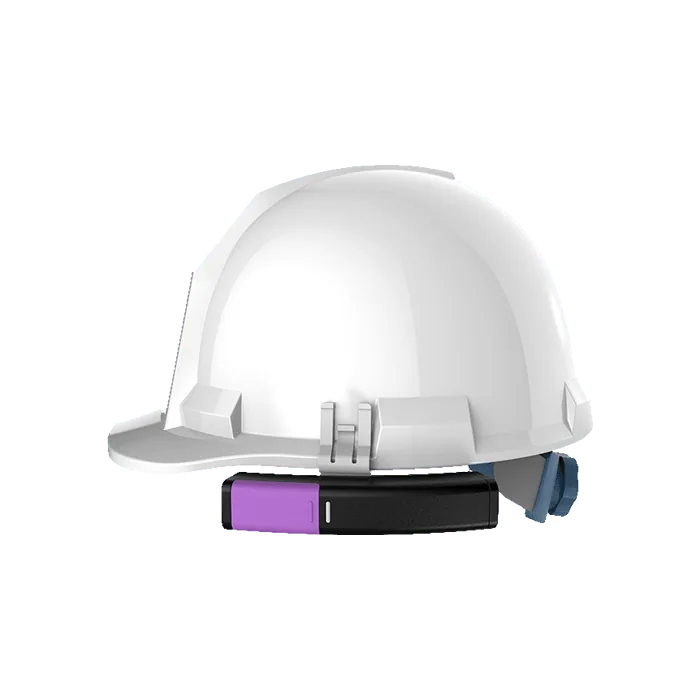
Smart Safety Helmet
Personal protective equipment
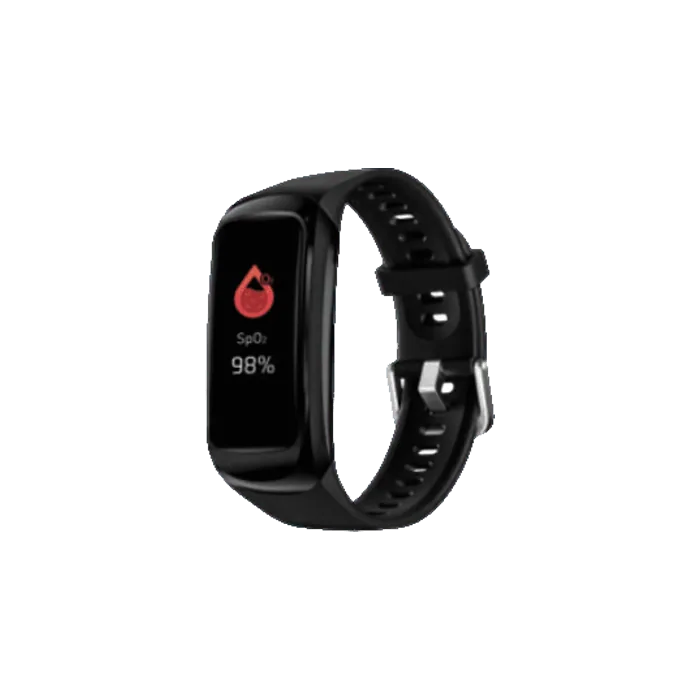
Smart Band
Personal protective equipment
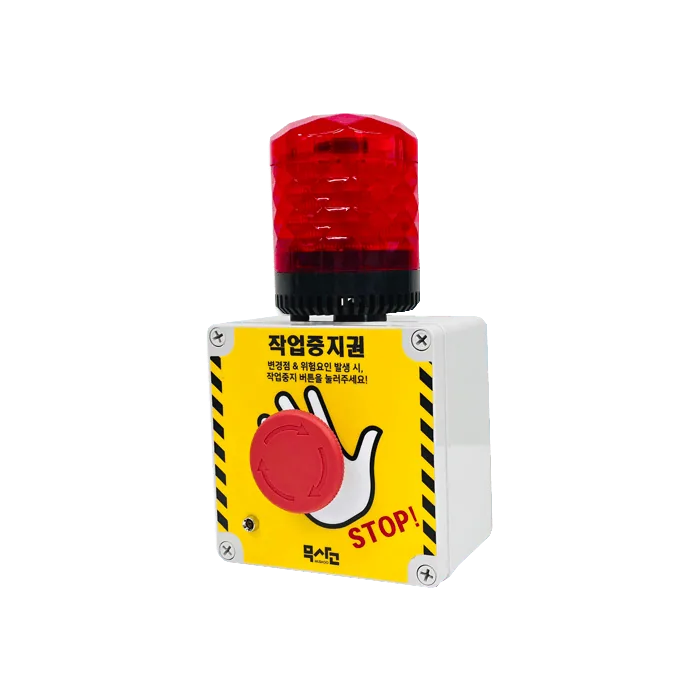
Work Stop Button
Work hazard alarm
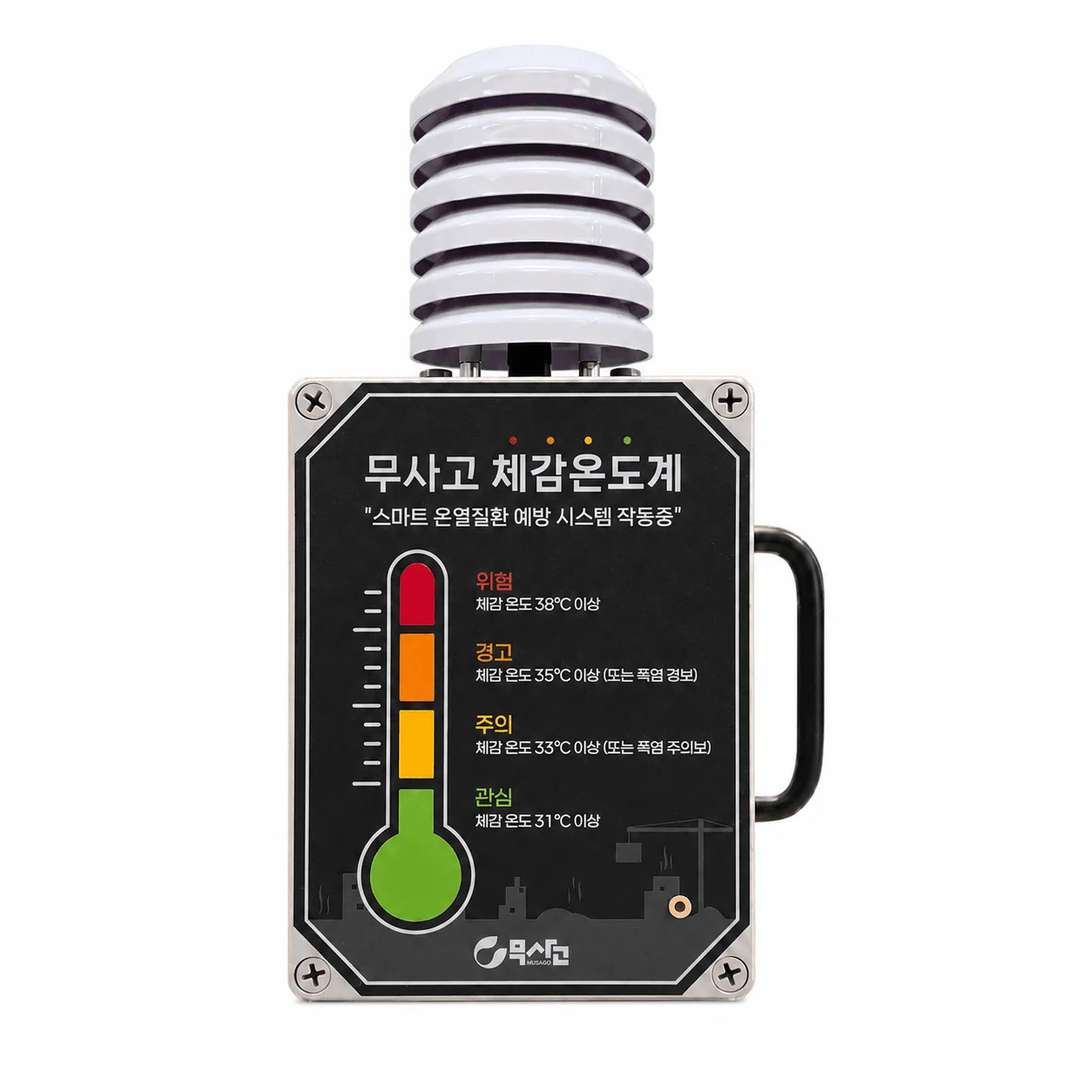
Construction Thermometer
Response to cold and heat illness
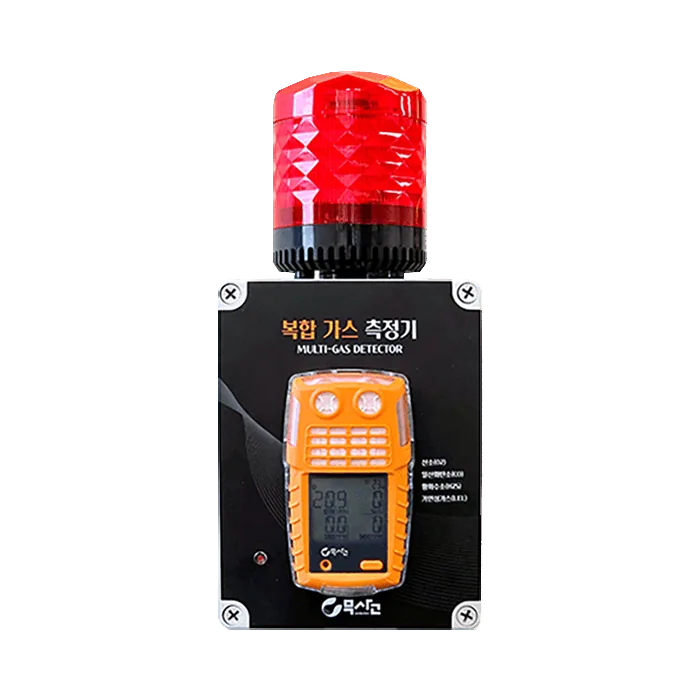
Multi-Gas Detector
Prevents asphyxiation in confined spaces
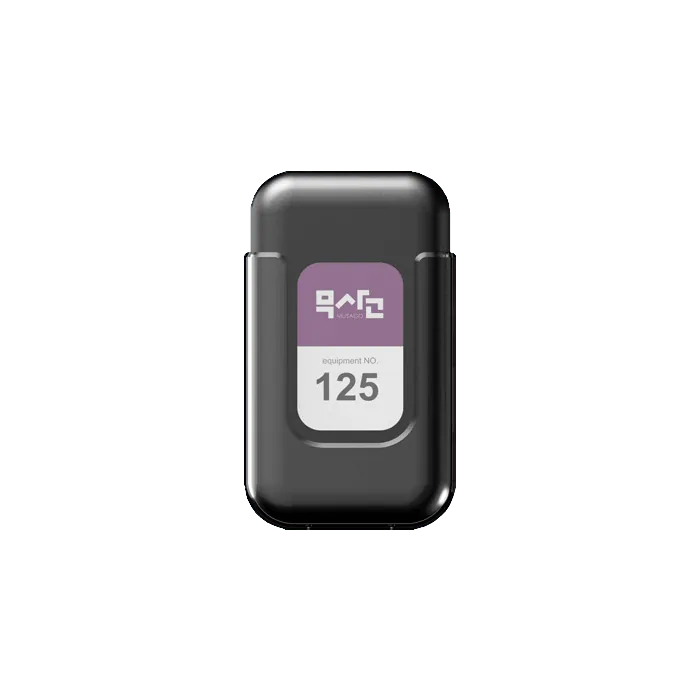
Tilt Displacement Sensor
Automatic sensor detection
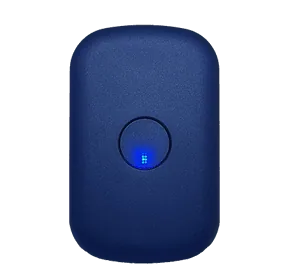
Heavy Equipment Tracker
Heavy equipment GPS
What each device measures
Device guides
Smart Safety Helmet
A smart helmet that keeps the site safe with helmet-off detection, SOS emergency calls, and real-time location tracking.
Smart Band
Monitors worker health such as body temperature, heart rate, and falls, to catch emergencies early and respond quickly.
Safety Hook
Checks whether workers at height actually clip on their safety harness.
Work Stop Button
When workers spot a hazard, one button press notifies managers immediately for a quick response and a safer workplace.
Construction Thermometer
Measures temperature and humidity in real time and calculates the apparent temperature automatically, helping prevent heat illness.
Multi-Gas Detector
Monitors four hazardous gases in real time to block asphyxiation accidents in confined spaces.
Tilt Displacement Sensor
Three types of inclinometer sensors automatically detect tilt, impact, and vibration of structures and notify managers immediately. The palm-sized, lightweight design installs anywhere.
Heavy Equipment Tracker
Detects vehicle location and accidents in real time to prevent heavy equipment collisions and speeding accidents.
What all eight have in common
Learn one, and you can read the rest
Each device measures different values, but the screen layout is the same. Read Reading the screen first, and for the other devices you only need to know what they measure.
- All have the Dashboard · Device Management · Notification Settings tabs. The helmet, band, and safety hook have one more tab, Statistics.
- The dashboard shows a summary and the device list on the left and a map on the right. Click a device to open its details on the right.
- In Notification Settings, you register up to ten people to receive KakaoTalk notifications.
The device holds the danger criteria
Whether oxygen below a certain percentage is dangerous, or a heart rate above a certain value is abnormal, is decided by the device itself before it sends data. There is no place on the screen to change thresholds.
There is a reason for this. If the device's alarm sound, the CaasWorks screen, and speaker broadcasts used different criteria, people on site would be confused. The decision is made in one place only.
Devices are not registered on the screen
The person in charge installs and registers devices. There is no button on the screen to add a device. If the list is empty, registration is not finished yet, so check with the person in charge.
These are the only things you set on the screen.
- Device alias (for example,
Band, 3F east) - Memo
- Installation floor
- Location on the map