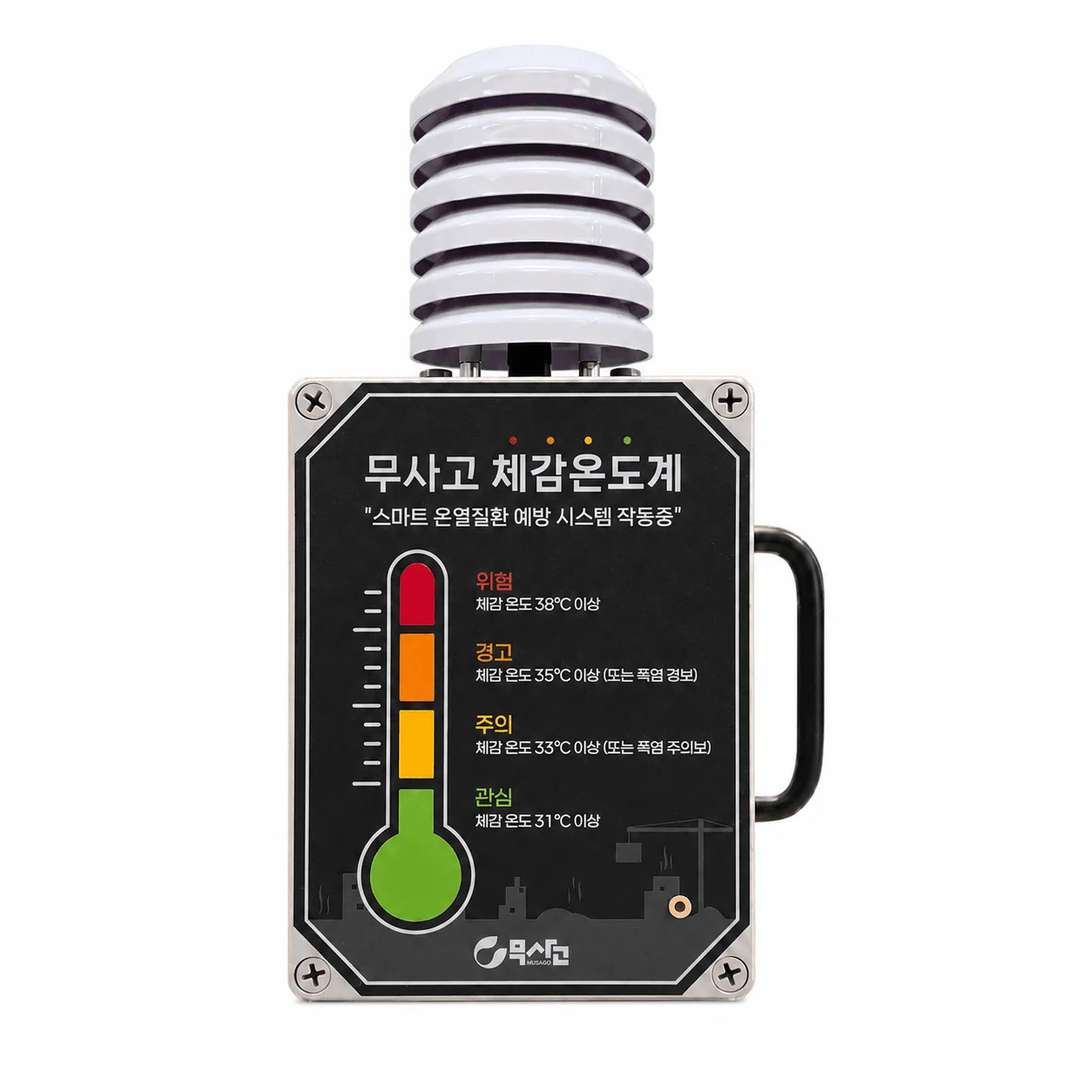
Construction Thermometer
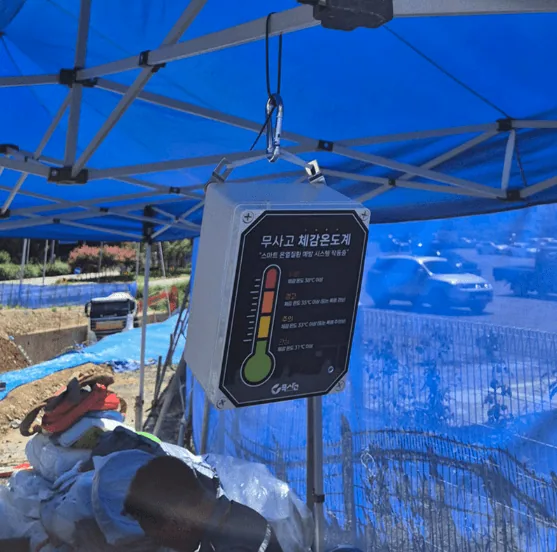
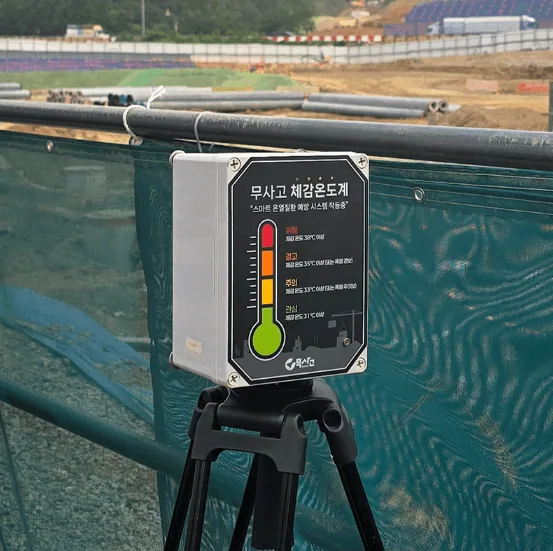
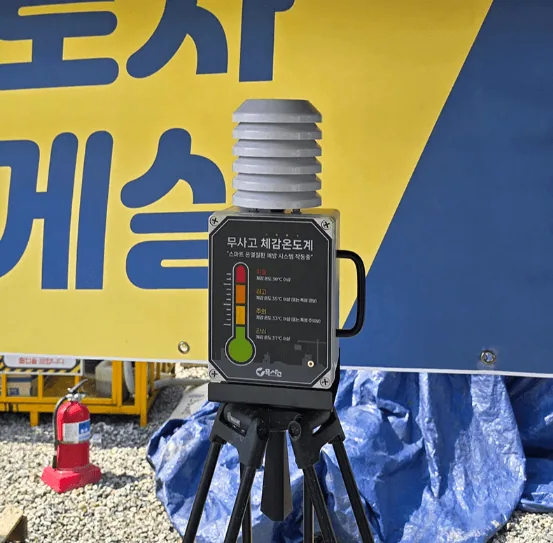
Measures temperature and humidity in real time and calculates the apparent temperature automatically, helping prevent heat illness and keep the workplace safe.
It measures temperature and humidity to calculate the apparent temperature. It has the most features of the eight devices, because keeping heat wave work records is a legal obligation.
How it is used
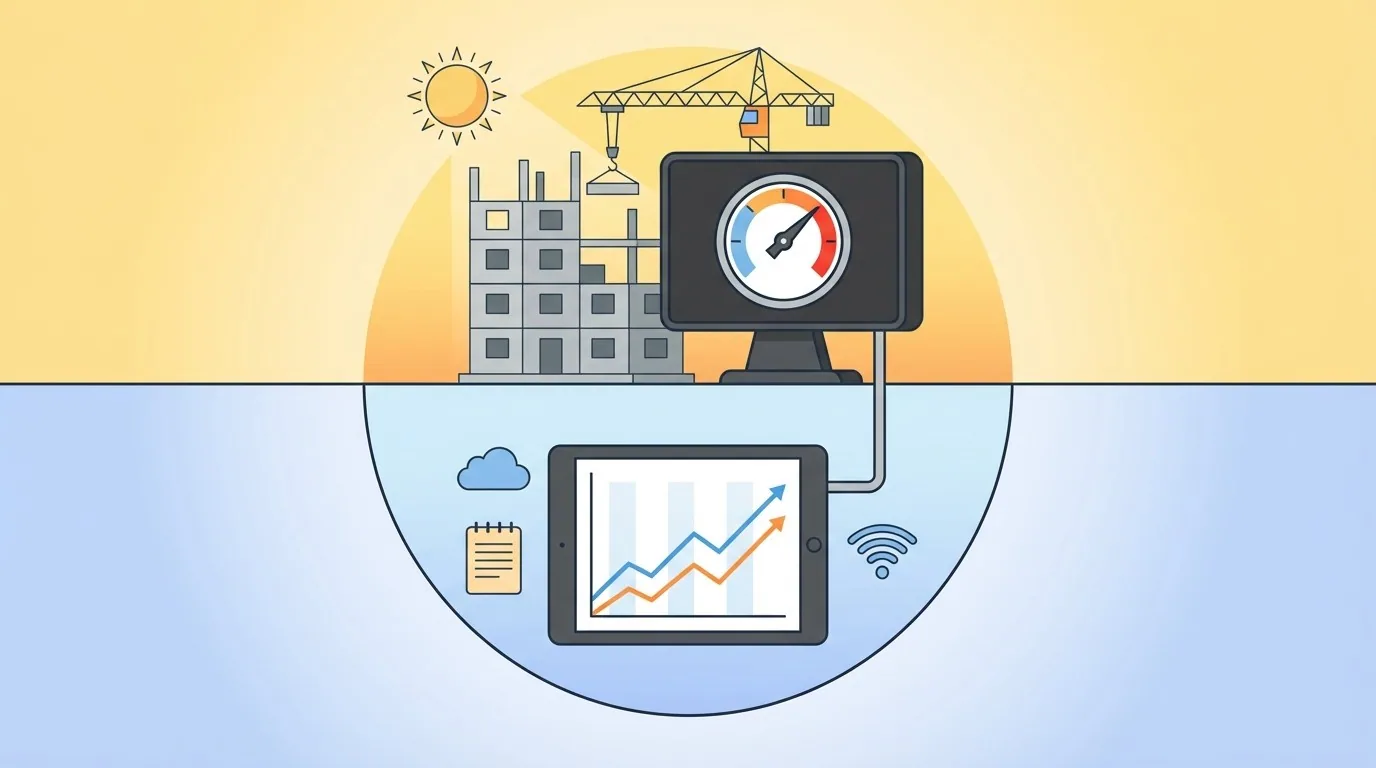
Apparent temperature measurement and records
Collects site temperature and humidity in real time, calculates the apparent temperature automatically, and stores it on the server for systematic management.
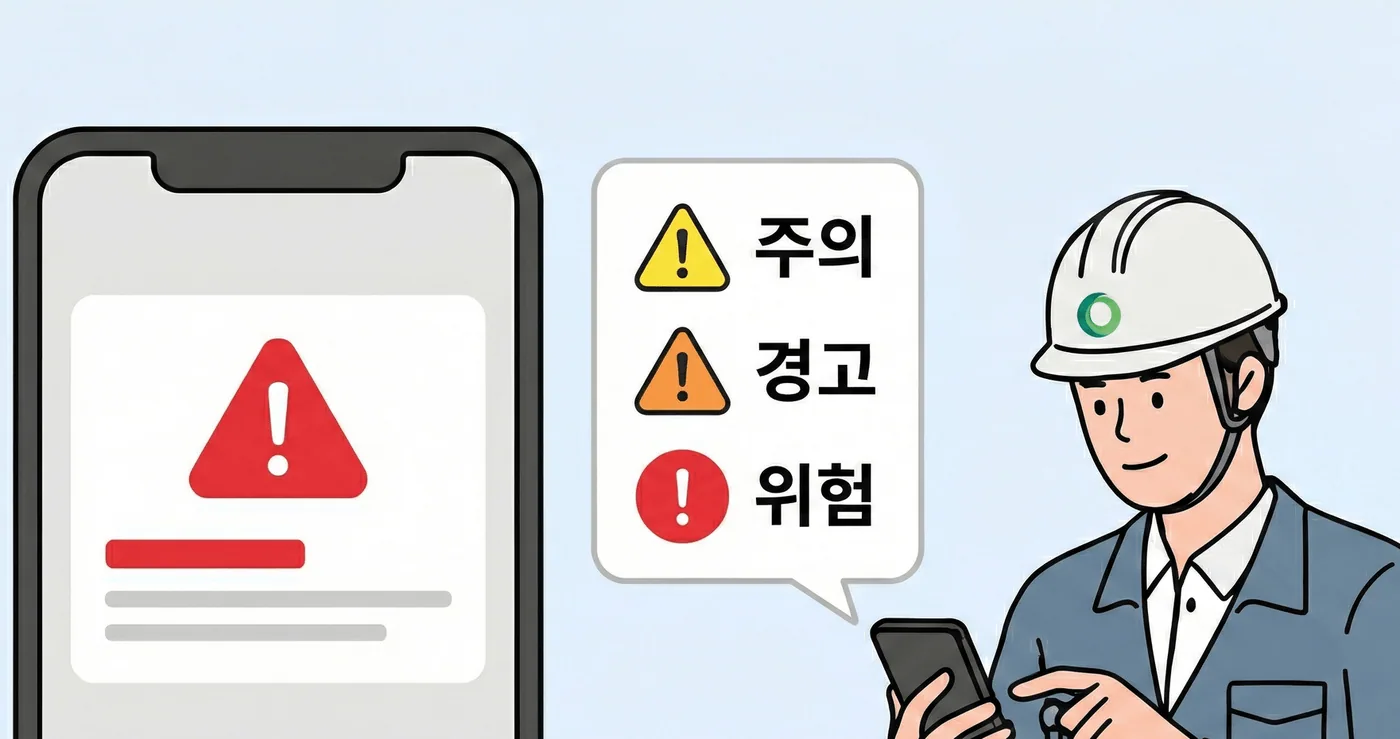
Automatic heat index alerts
When heat wave danger levels are observed, it notifies managers immediately so they can take health measures by stage (Caution, Warning, Danger).
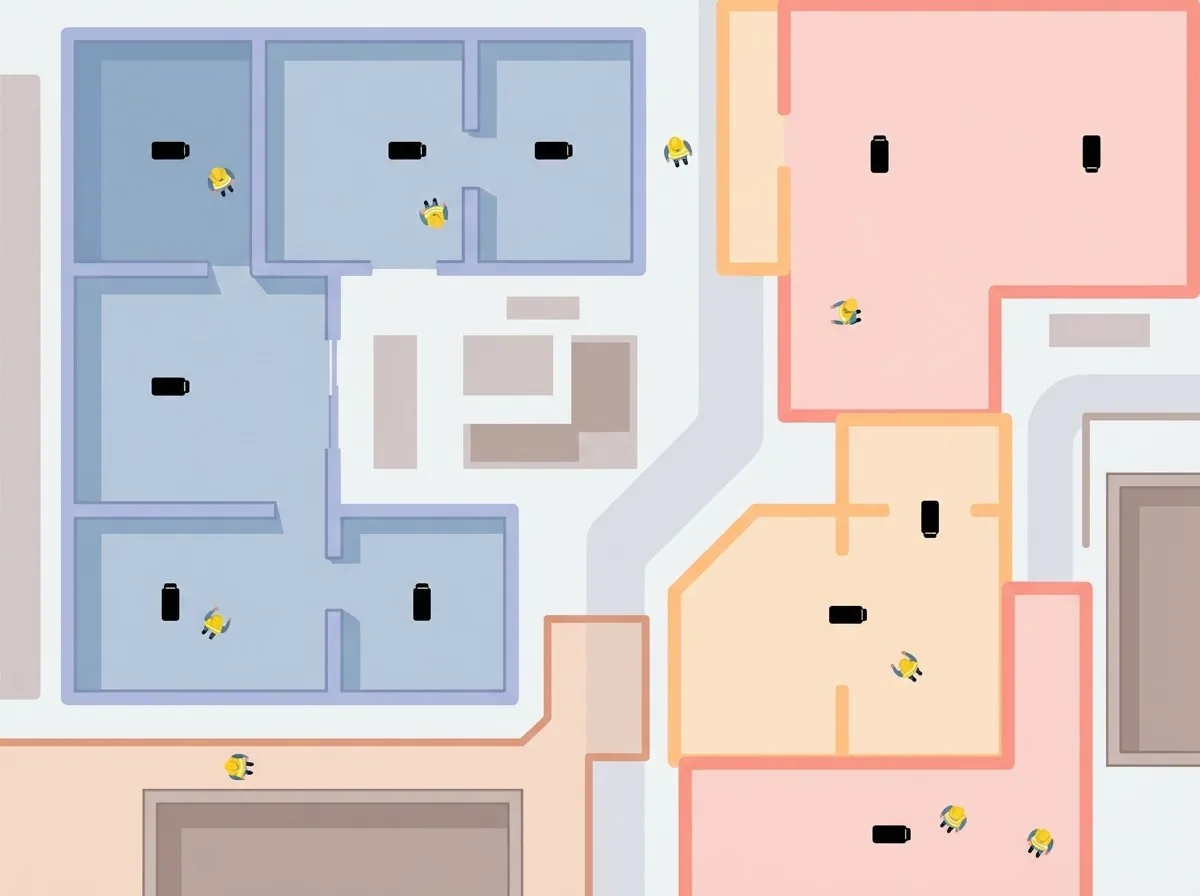
Real-time response by work zone
Tracks differences in apparent temperature between zones, such as indoors and outdoors, in real time, enabling safety and health measures tailored to where workers are.
A record required by law
Article 562(2)(3) of the Occupational Safety and Health Standards Rules (산업안전보건기준에 관한 규칙, effective July 17, 2025) requires that, when heat wave work is performed, the measured apparent temperature and the actions taken be recorded by date and kept until December 31 of that year. Item 1 of the same article requires a thermo-hygrometer to be kept on hand at all times.
Heat wave work means working continuously for 2 hours or more at a workplace where the apparent temperature is 31℃ or higher (Article 559(4)).
Five apparent temperature levels
It uses the same ranges as the Korea Meteorological Administration heat wave levels, so it does not conflict with the forecasts people hear on site.
| Level | Apparent temperature |
|---|---|
| Normal | Below 31℃ |
| Attention | 31℃ or higher |
| Caution | 33℃ or higher |
| Warning | 35℃ or higher |
| Danger | 38℃ or higher |
A KakaoTalk notification is sent when it reaches 35℃.
Keeping records
Device details have two tabs inside: Records and Period Analysis.
Records tab
Choose a date to see a table of values measured at each time that day.
| Column | Content |
|---|---|
| No | Sequence number |
| Time | Time measured |
| Temperature | Measured temperature |
| Humidity | Measured humidity |
| Apparent Temp | Calculated value |
| Action Taken | A person fills this in |
The device fills in temperature, humidity, and apparent temperature automatically. Only Action Taken is entered by a person. This is the record the law requires.
While you are viewing today's date, the table updates on its own each time a new measurement arrives.
Choosing an action
Common actions are ready to choose from.
- Run cooling equipment
- Adjust working hours
- Give breaks
- Give breaks (20 min every 2 hours)
- Give breaks (15 min every hour)
- Provide shade and rest facilities
- Provide personal cooling gear
- Provide cool water
- Provide salt and drinks
- Stop work
Enter any action not on the list yourself.
Write it down the same day
If you write it all later, you will not remember what was actually done. Action Taken must be filled in for every time the apparent temperature exceeded 31℃ for the record to be meaningful.
Downloading the record sheet
Check the format with Preview and get the file with Excel Download. The file contains the official record sheet format, including the legal basis, notes, installation photo, and signature fields.
Use it as is for inspection preparation or as a submission document.
Device settings
Set the following in the device settings.
| Item | Description |
|---|---|
| Work Supervisor | Choose from project members. Included on the record sheet |
| Working Hours | Start and end times. The start must be earlier than the end |
| Recording Interval | Choose from 1, 2, 3, 4, or 6 hours |
| Installation Location | Required. Included on the record sheet |
| Installation Photo | Serves as proof that a thermo-hygrometer is kept on hand at all times |
Write the installation location specifically, such as Zone 3, Building A, 1F material storage. Anyone reading the record sheet must be able to tell where the values were measured.
Notification settings
Only the thermometer also sets the days and hours to receive notifications. Heat waves are a problem only during the day, so you can narrow notifications to working hours.
The end time is not included. If you set 9:00 to 18:00, notifications are received from 09:00 to 17:59.
Summer operating routine
Before the season starts
Enter the installation location and upload a photo. Set working hours and the recording interval to suit the site. Register notification recipients.
Every day
Check the day's values in the Records tab, and fill in Action Taken for every time above 31℃.
When a 35℃ notification arrives
Review work in that area. Add breaks or adjust working hours, and write it in Action Taken.
At month end or before an inspection
Download the record sheet as Excel and keep it.
With other solutions
- Smart Band: If several bands report high body temperature at the same time, it may be a site environment problem. Check the apparent temperature for that time as well.
- Network Speaker: You can set a rule so break announcements play automatically when the apparent temperature rises.
Detail images
Specifications
| Size | 150(W) * 200(D) * 100(H) mm |
|---|---|
| Weight | 1Kg |
| Wireless | LTE Cat.M1 + BLE |
| Built-in sensors | Temperature sensor: [accuracy] ±0.2℃ @ -40℃ to 70℃ / Humidity sensor: [accuracy] ±2% @ 30% to 90% RH |
| I/O Interface | Status LEDs, Buzzer |
| Power | Lithium battery (replaceable) |
| Certification | KC certification, dust and water resistance certification (IP65) |
| Package | <Standard> Construction Thermometer (main unit), user manual / <Option> mounting tripod |
| Data interval | 10 min / immediately when an event occurs |
| Notifications | Dashboard notification at each level, separate KakaoTalk notification at the Danger level |