Work Stop Button
When workers spot a hazard, one button press notifies managers immediately for a quick response and a safer workplace.
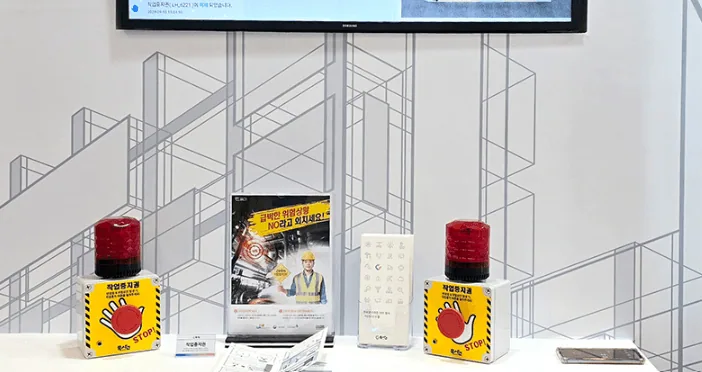
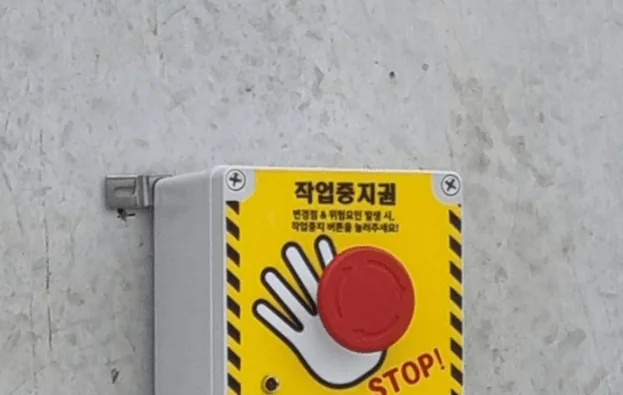
A physical button installed on site. Workers press it when they judge a situation to be dangerous. The moment it is pressed, a KakaoTalk notification goes to the registered people and it appears on the screen.
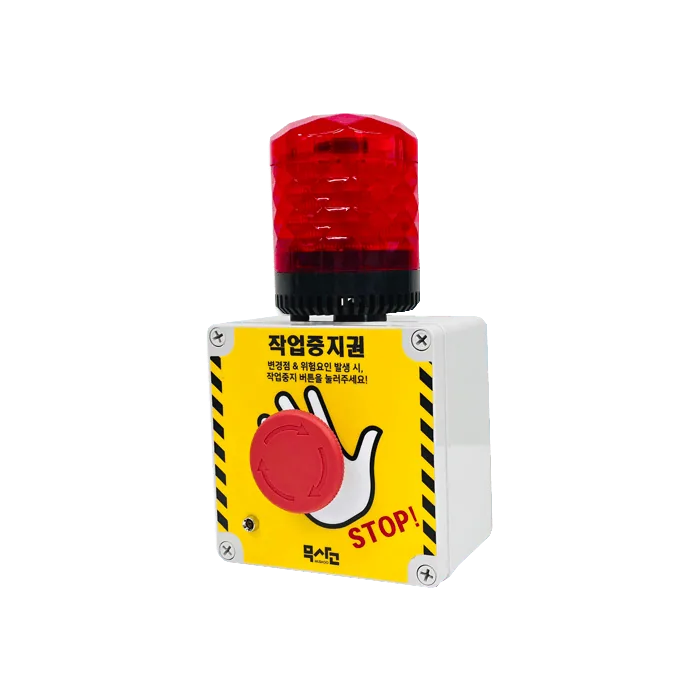
How it is used
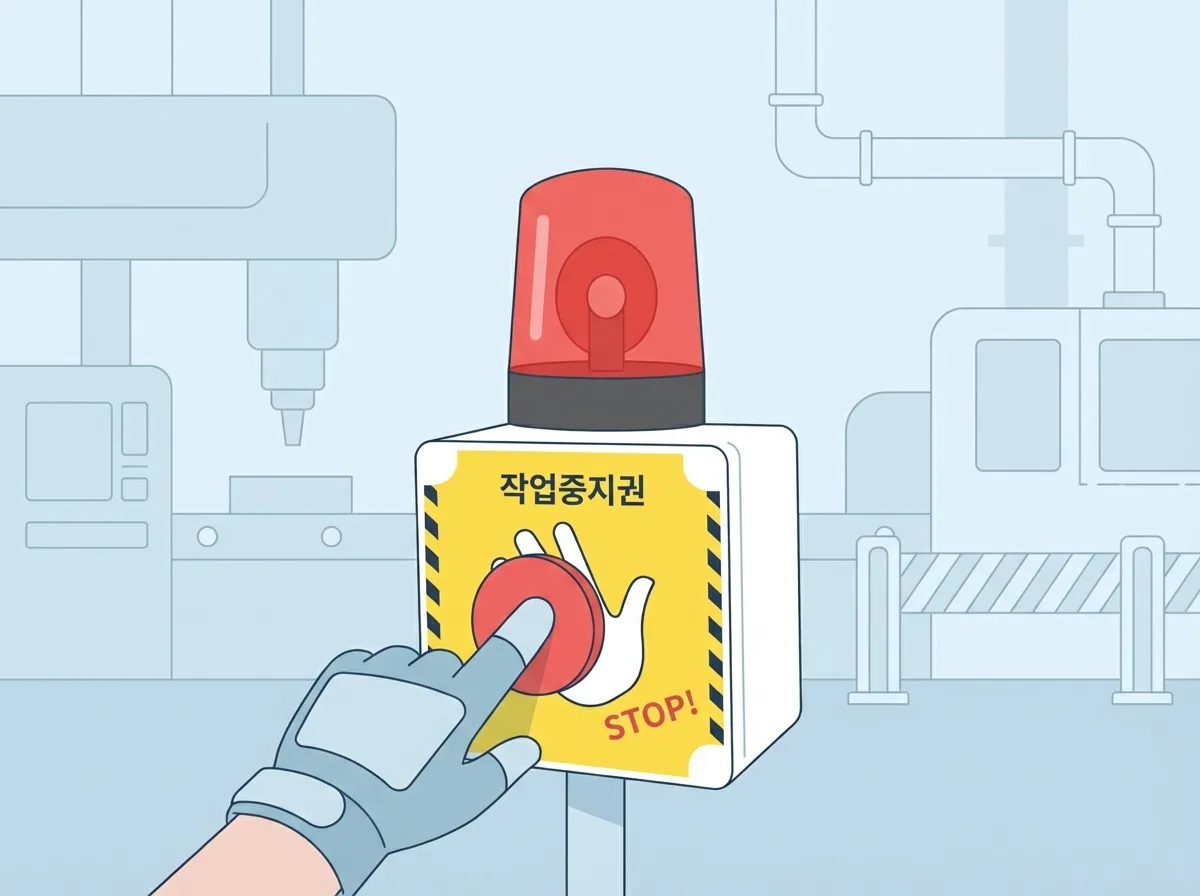
A smart safety manager
When workers spot a hazard, they press the button to notify managers immediately, and the warning light and siren share the danger with people nearby to prevent serious accidents.
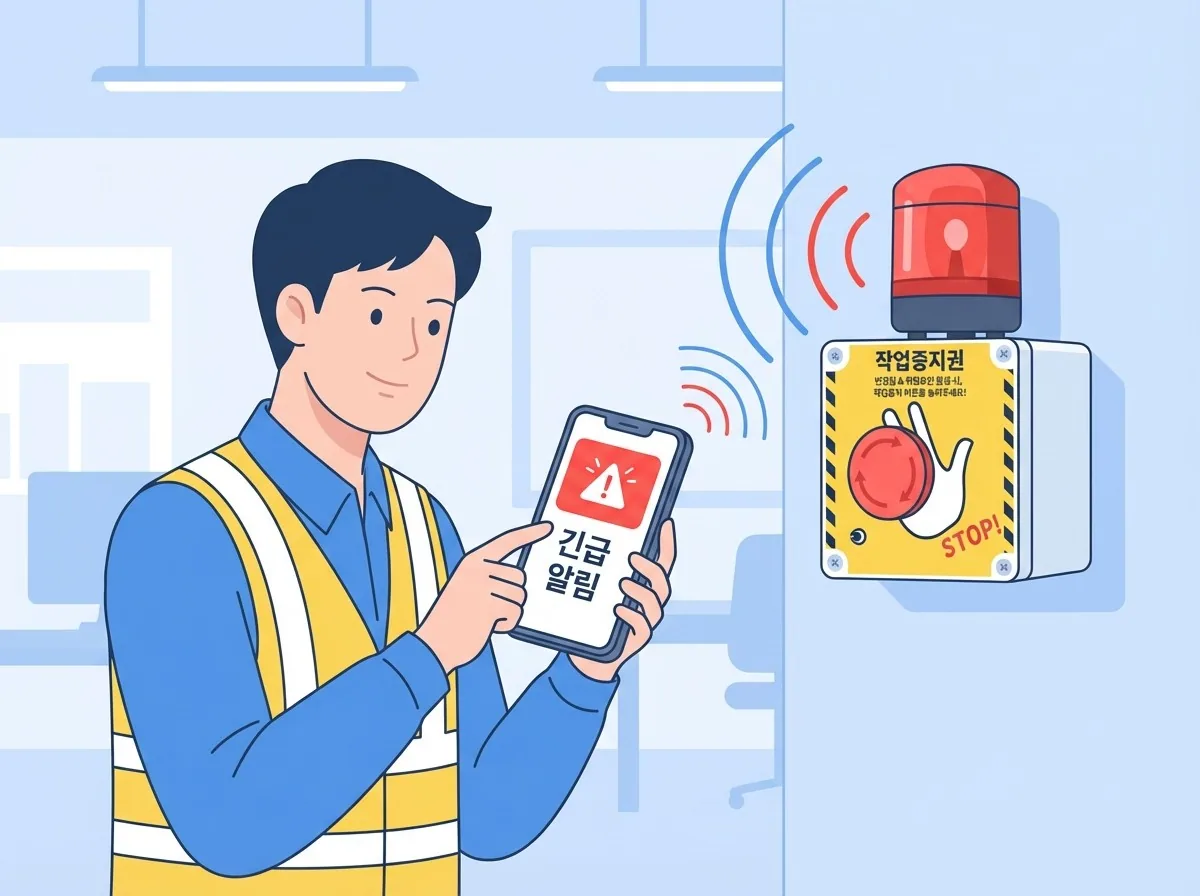
Easy installation and monitoring integration
With LTE wireless and a large built-in battery, it installs without cables. When the button is pressed, managers are notified on their smartphones right away for quick action.
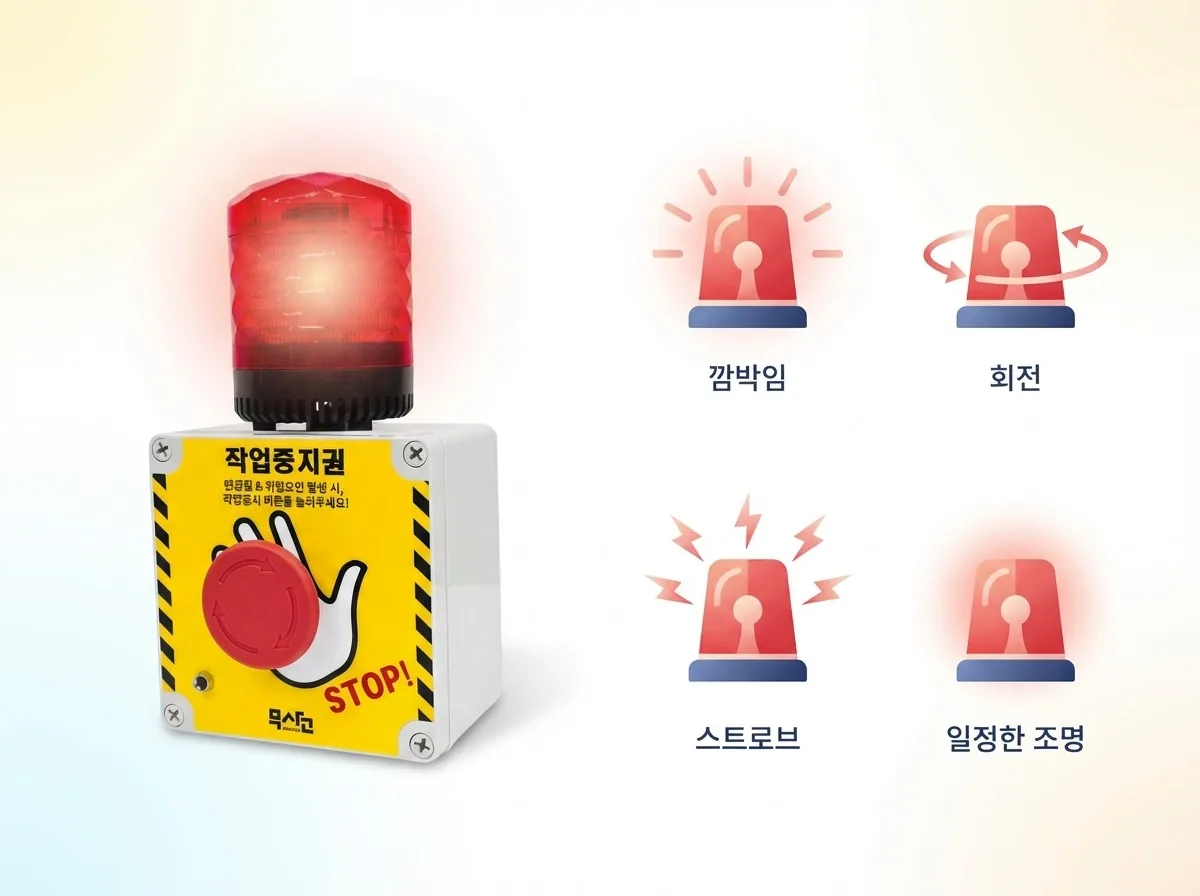
High-brightness LED audiovisual alarm
The high-brightness LED warning light can be seen from a distance in patterns such as blinking, rotating, and strobe, and a speaker of up to 105dB plays voice alarms.
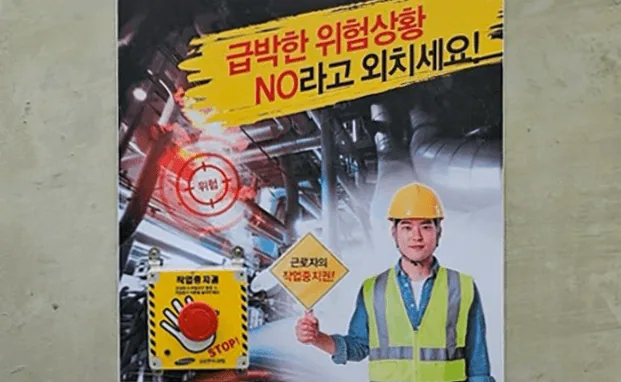
This device lets workers exercise their legally guaranteed right to stop work with a button instead of words. Their intent gets through even when it is hard to speak to a manager directly.
Two states
| Display | Meaning |
|---|---|
| Work stop requested · Danger | The button has been pressed. Shown in red |
| Normal · Safe | The normal state, not pressed |
Screen
It uses the common screen layout.
Dashboard summary
All Devices / Danger / Normal / No Data
Device details
- Device Info: Name, memo, floor, location
- Period Analysis
- Event History: Shown 20 entries at a time
Each entry in the event history shows a Work Stopped / Released state together with its duration. Duration is shown like "1h 12m 30s."
This screen tells you when the button was pressed and how long it took to be released. If the response was slow, that time stays on record.
Periodic signals are filtered out
The device periodically sends a signal to show it is alive. The event list shows only real events by default, so they are not buried under periodic signals.
When it is pressed
Stop work in that area immediately
A pressed button means someone on site judged it dangerous. Stop first, check second.
Check the situation
See the location on the map and go to that area.
Release it after taking action
Release the button after removing the hazard. The release time and duration stay in the history.
Operating it
Do not try to find who pressed it. If it turns into questioning who pressed the button, nobody will press it next time. A safe site is not one where the button is never pressed, but one where it gets pressed when there is danger.
The duration kept in the history is a number that shows how fast the site responds. Aim to bring this value down.
With other solutions
If you also use Network Speaker, you can set a rule so that a work stop announcement plays automatically from the speakers in that area when the button is pressed. The site stops before anyone even runs over.
Detail images
Specifications
| Size | 150mm(W) * 270mm(L) * 138mm(H) |
|---|---|
| Weight | 1Kg |
| Wireless | BLE5.0 + LTE Cat.M1 |
| I/O Interface | Work stop request button, voice guidance output (sound can be changed), warning light with built-in high-output speaker (Max. 105dB) |
| Power | Built-in battery (runs for 1 year or more) |
| Certification | KC certification, dust and water resistance (IP65) certification |
| Package | Work Stop Button (main unit), user manual |